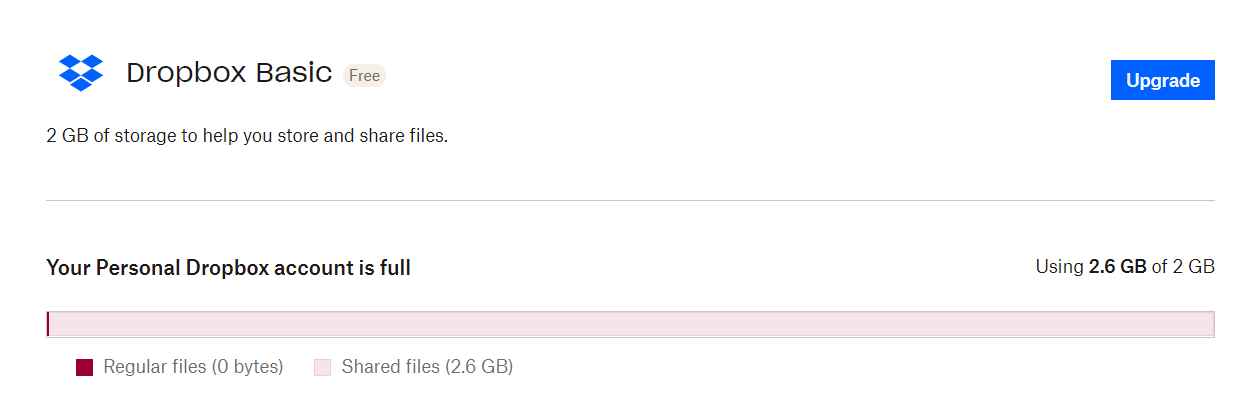
I have a basic account to view items in SharePoint that were shared with me by others, only. I have not created any folders or utilized the storage directly at all - I'm directly utilizing 0% of the 2GB allowed. Lately, I've been getting messages, alerts, emails and pop-ups telling me I urgently need to upgrade as I'm out of space (Dropbox claims I'm using 2.61G). I can't move or upload files into the folders that have been shared with me (again, folders owned by others). I'm the only one on my team receiving these, and all of us are using the basic accounts.
Has anyone else experienced this? Why do I keep getting error messages?
Editing to add:
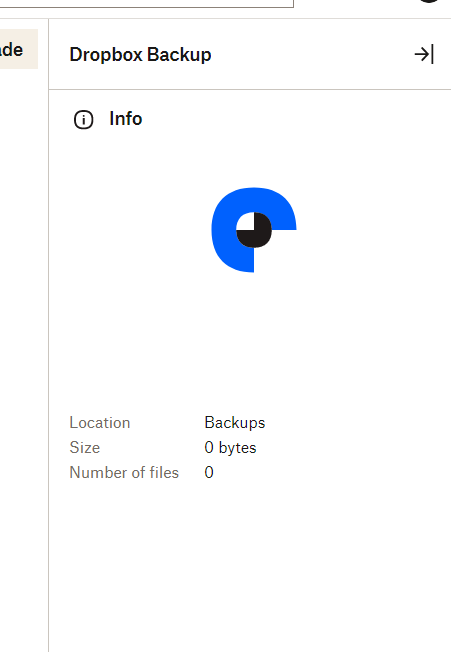
I am not using the Dropbox Backup, have no files of my own uploaded, use NO apps, and I have NO devices linked to my account - yet I still get syncing errors. I use Dropbox exclusively through my web browser. I have NO personal files. As you can see by the graphic below, I'm being penalized for files in folders that have been shared with me - they aren't my folders or files.
Any help would be much appreciated.
