Hi. I have several Word and Excel docs in Dropbox that I created in recent days on my office iMac and now I can't open them on my MacBook. I've read a few similar posts, but I'm not seeing any solutions.
I am able to open older Word and Excel files and all PDFs.
I'm using the latest Office and Dropbox apps on my MacBook (Big Sur). I have full user access to everything on the computer.
I'm trying to access them through Finder. However, I can open the files online and I can remote in to my office computer and open them there.
Preferences: Save hard drive space automatically: Off
Files added on web default: Local
Word tells me I need to grant access to open it.
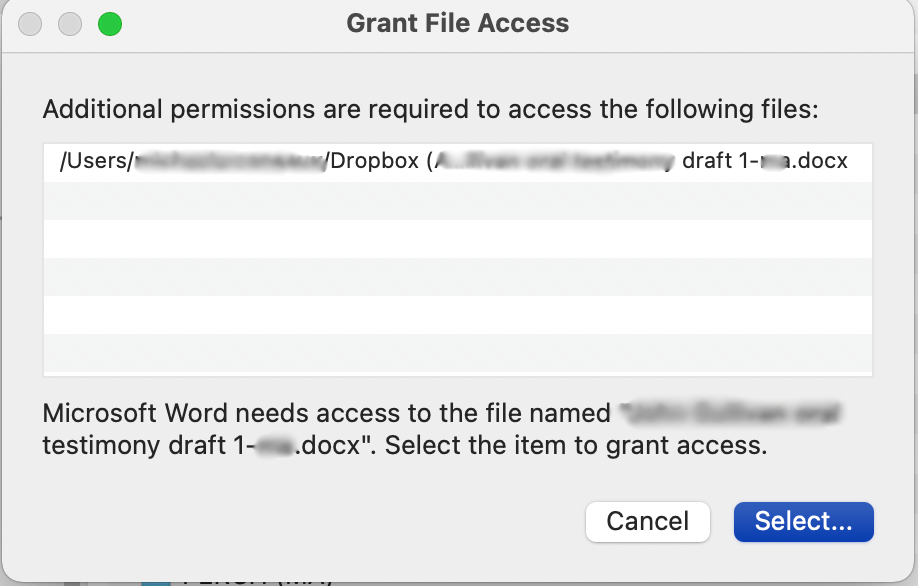
Then I click on the file to grant access and I get this:
Word cannot open the document: user does not have access privileges
( [name of file...] )


