Does anyone have any advice on how to use the google suite with Dropbox on an Ipad?
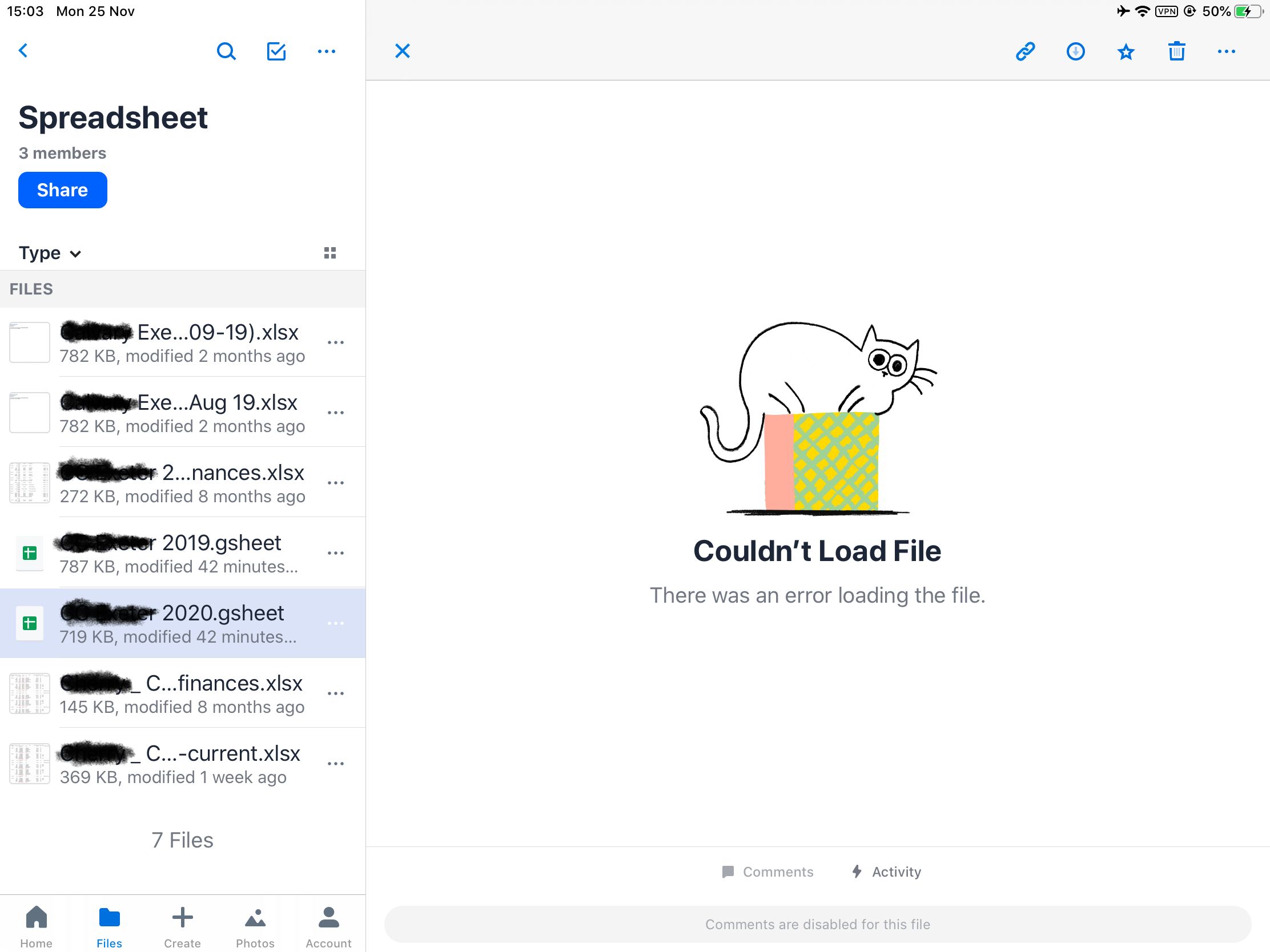
As the pictures below show, the Dropbox ipad app can't open up google sheets files, even though the google sheets app is installed. If I try to drag the google sheet file to the new window, it tries to save the file into my Google Drive account before opening. (The process fails and I can't open it, though I wouldn't want to save/uploead to dropbox every time I am finished with the spreadsheet).
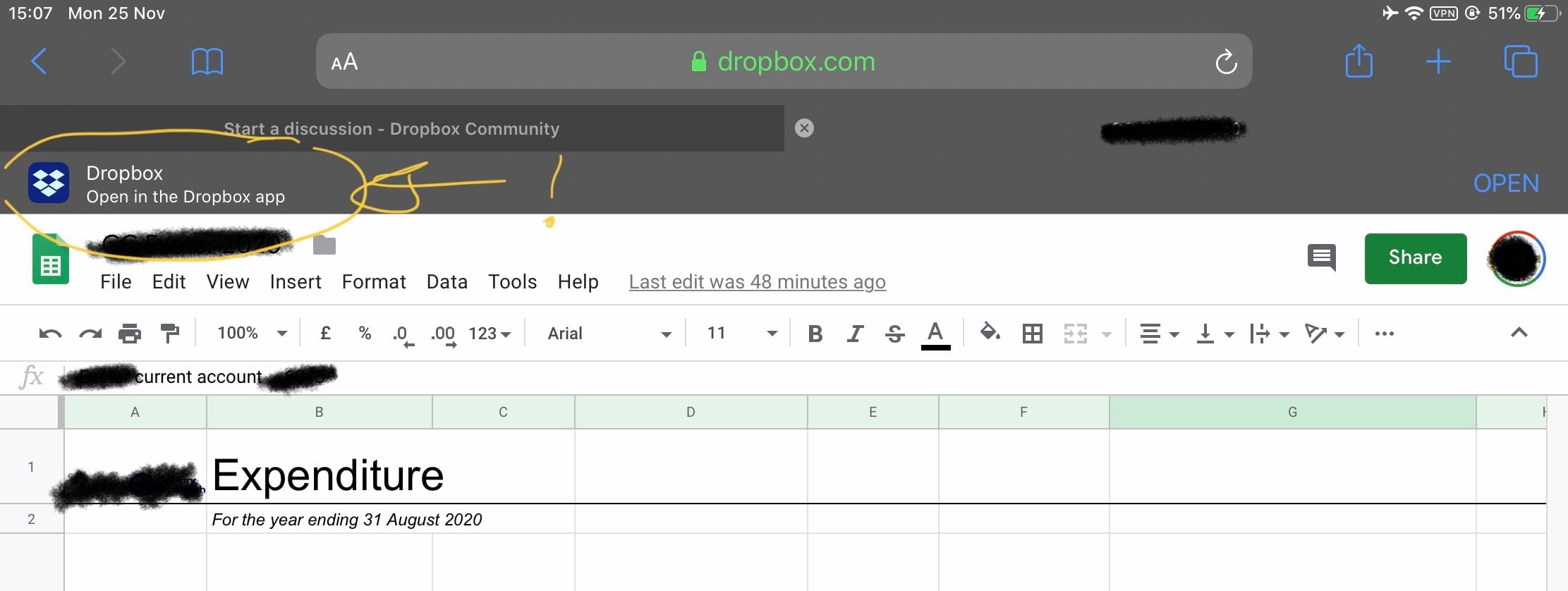
So I tried to open the google sheet file via my Safari web browser. For some reason, Drobox cues the drop down bar to say "open in Dropbox" (see pic) - clicking this only leads to the same result as described above. My only option is to try and use google sheets on the safari webbrowser, by opening the file on dropbox.com. Sadly, the functionality isn't very good on Safari, the bottom menu on the google sheet doc often gets lost, making navigation around the spreadsheet impossible.
Same old story, Dropbox seems to be making everyting available via a web browser, but not making the same accessibility available for non desktop/laptop webrowser users. 
Can anyone give me any advice, or suggestions? An alternative is to resort to Microsoft Excel, but I really don't fancy paying for an office 365 subscription. Apple's numbers doesn't link with dropbox.