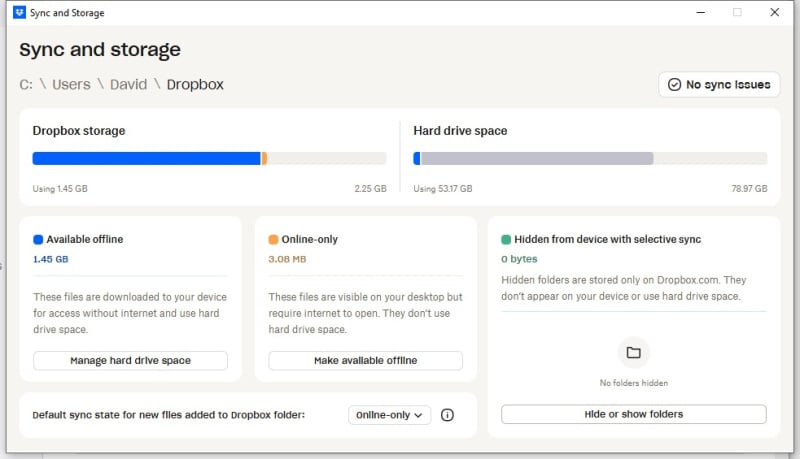
I want to relocate the Dropbox folder from the C: drive to secondary storage. This is on Windows where I have my computers setup such that there are none of my personal files stored on the C: drive.
When I perform the Relocate function provided by Dropbox it appears to function properly, In that, it warns that it is going to move all of the files. It spends a good amount of time processing and concludes by saying I've been signed out and need to sign-in. When I sign back in it shows the folder location as being the same as it was before doing the move. Interestingly, it has created a folder named Dropbox on the target drive and appears to have copied all of the files to it. However, they are still in the same old folder on the C: Drive and I have no problem renaming the new folder created on the target drive, which implies that according to Windows is it is not being used.
Note: This is not a new idea. I've been using Dropbox for many years and have always located the Dropbox folder on a secondary drive (i.e., never on the C: drive). In fact, that is how my other Dropbox computers are setup up now.