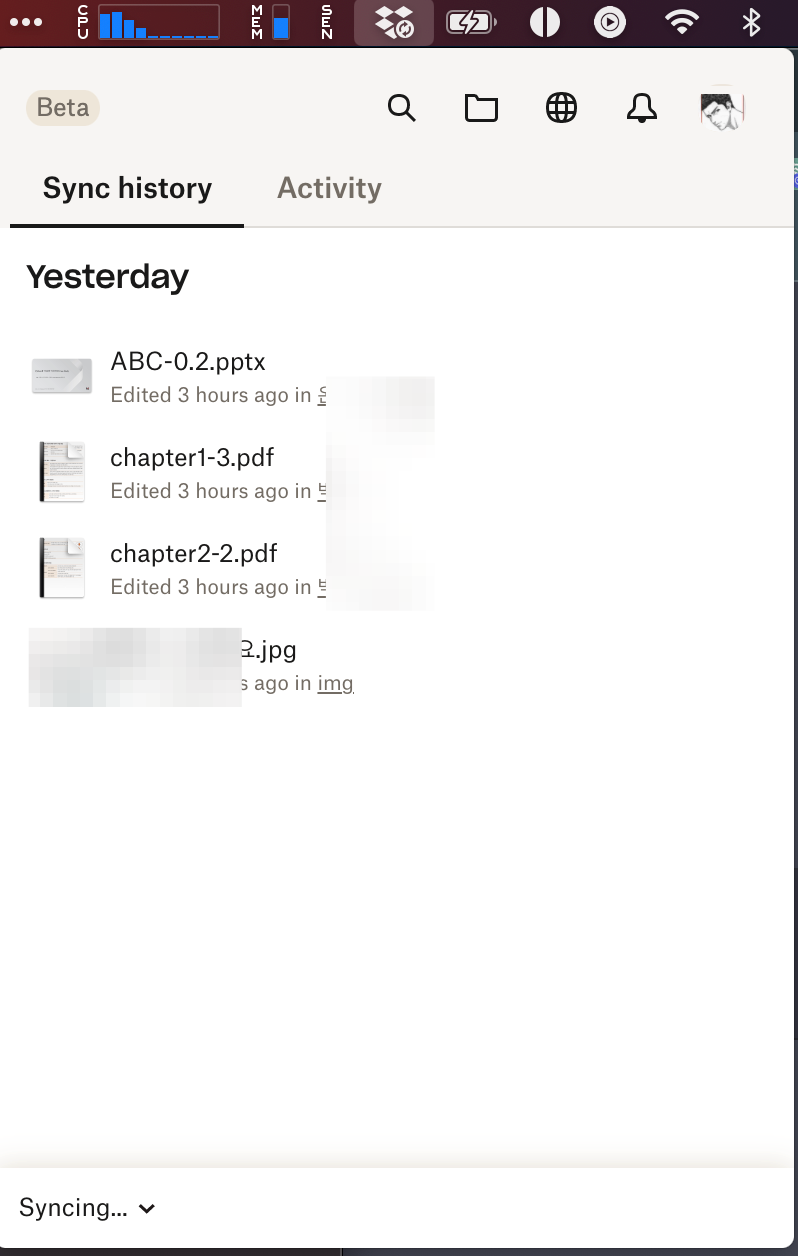
My system info
HW: Apple M1 Pro
OS: Ventura 13.5 (22G74)
Dropbox ver: v180.3.4837 & joined beta
Dropbox beta has an incomprehensible behavior when using the file provider feature on macOS.
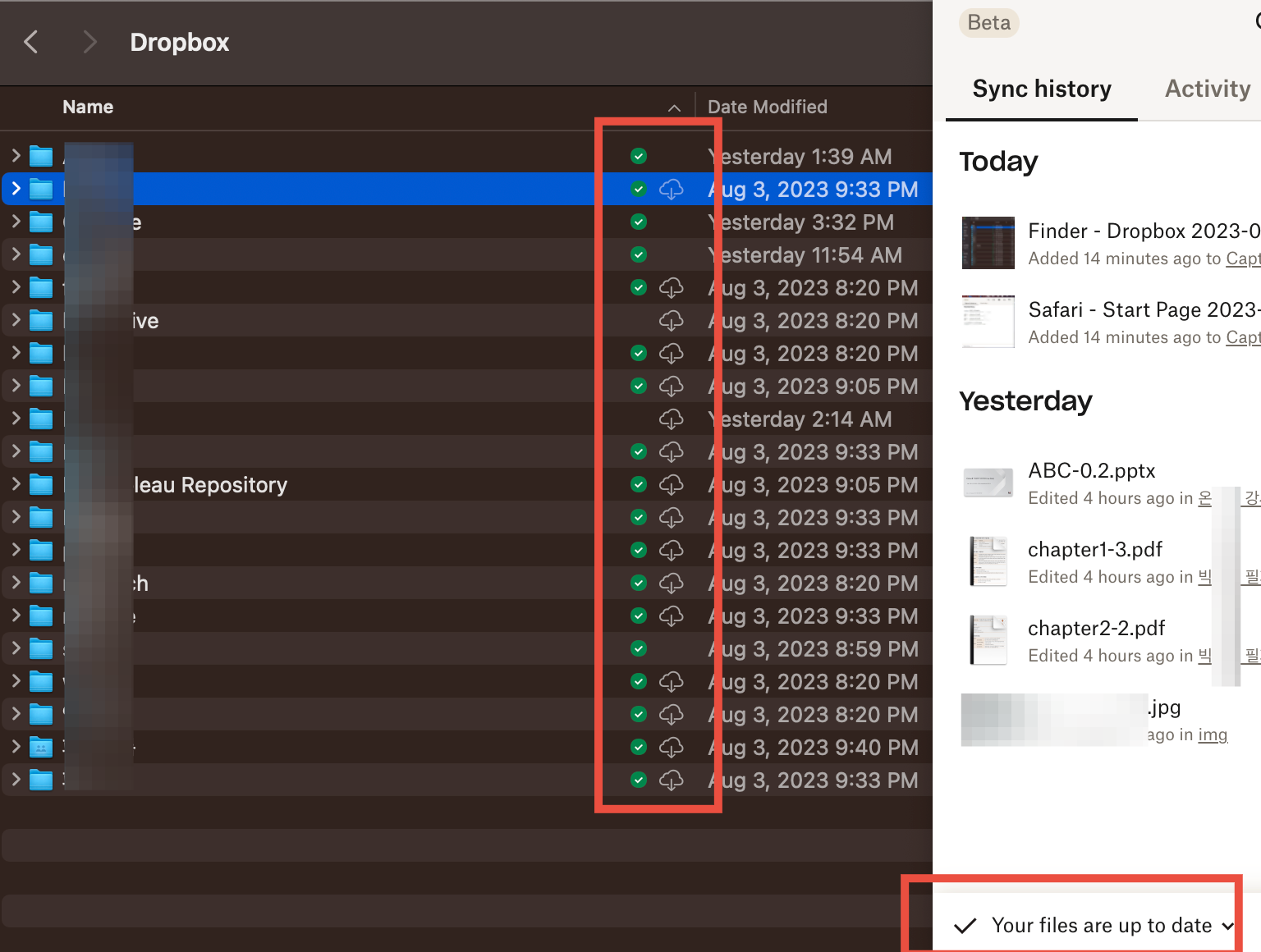
As shown in the finder screenshot below, I have set "Make available offline" except for a few folders. However, the cloud with arrow icon(next to the dropbox icon) is "not downloaded" and the dropbox status in the menubar is "your files are up to date".
Doesn't "make available offline" mean that all files are accessible offline on my macbook? But what does "not downloaded" mean?
No matter how long I waited, the "your files are up to date" status didn't change, so I finally clicked on the cloud icon in the finder to actually download the files. After that, the dropbox status didn't change even after hours of waiting in "syncing..." as shown in the screenshot below.