HP desktop
Operating System/Browser (if using the web)
Windows 10
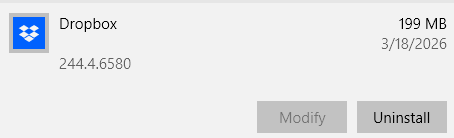
Dropbox App Version (if using the app)
244.4.6580 auto updated on 3-18-2026
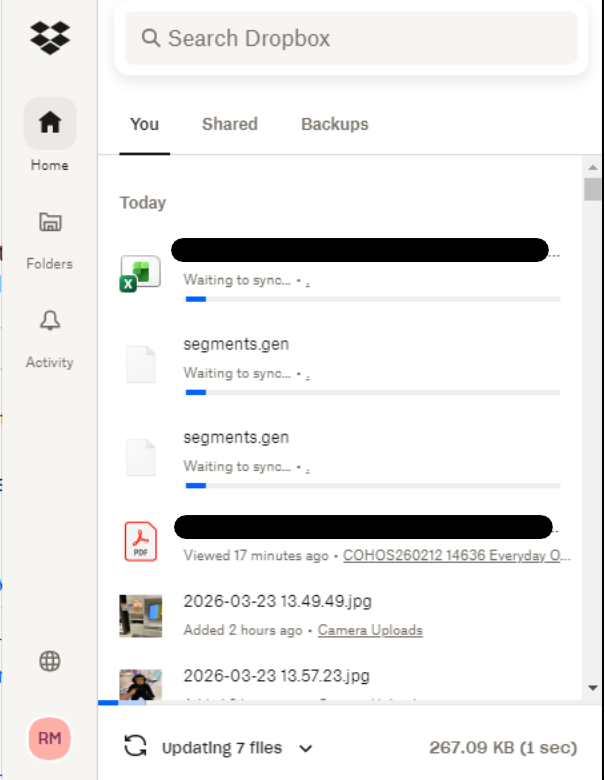
Syncing Status
"Syncing 7 files"
Question or Issue
Since the app updated on my computer, none of the files are being uploaded, Only files from my pictures are uploaded.
I researched on the web and supposedly by pausing the sync and reactivating would kick it back to work and did not, Then to get all the files that were not sync out of drop box completely and copy them in a folder out of drop box, then restarting the computer and placing them back in would also be a way and nothing. Still have the same updating issue...
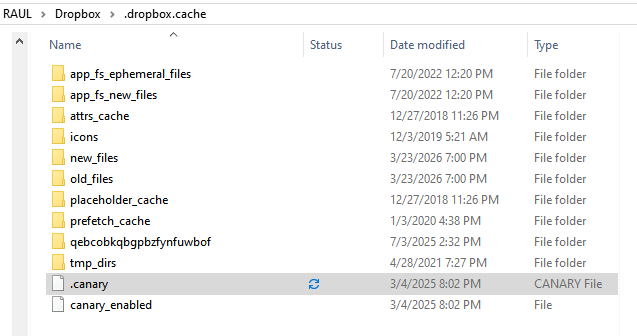
Checking the files that were not Synched found a .dropbox.cache folder and inside had a .canary file trying also to sync.
Read some posts but they are too old and the answeres or steps have changed since then, since I followed the steps but could not get to the "FIX" last step. I'm not a very computer savvy and tried to research in here or google for an answer but could not find any that would work on my computer.
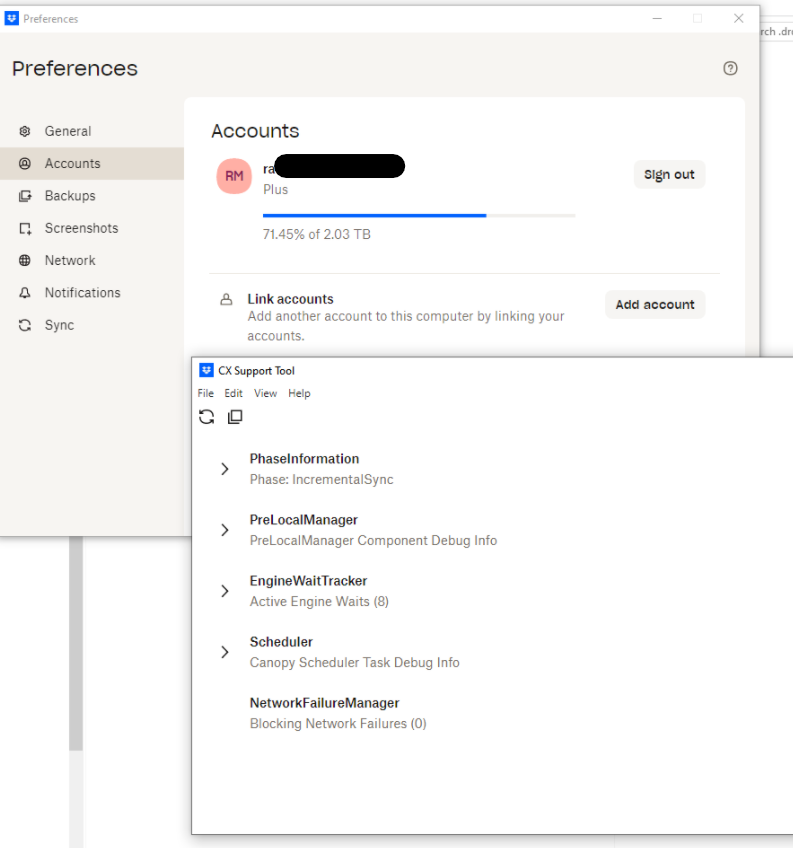
I have dropbox since 2011 and never had any issues, and all started since the computer did this update. Can anyone help?




