Application Affected
Dropbox folder and tray application
Device
Dell Alienware Aurora R2
Operating System/Browser (if using the web)
Windows 11 24H2 and now 25H2
v235.4.5905
Question or Issue
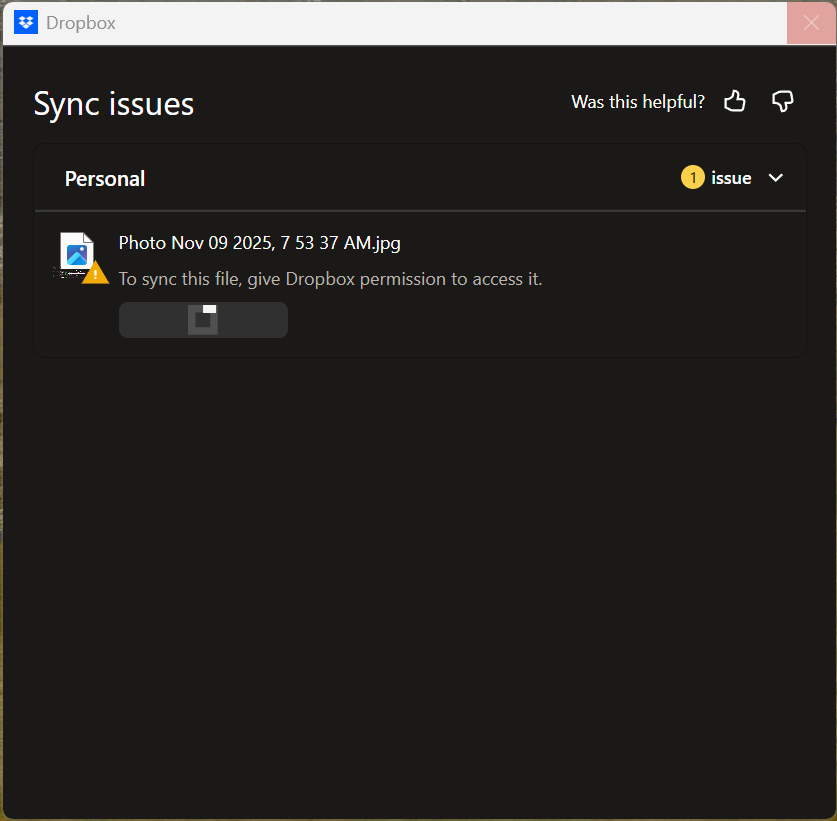
The Dropbox application has been intermittently hanging on my computer for at least 4 months. I use the app to take photos with my iPhone and regularly notice that
- Photos from my iPhone are not appearing in my "Camera Uploads" folder on my PC.
- If I create a file in the Dropbox folder, it shows the two blue arrows but makes no progress. If I right
- If I right-click on the Dropbox tray icon, nothing happens.
If I start task manager and kill all the running Dropbox processes, then use Start -> Dropbox, everything is normal again for a while. Typically, I find it hung about once a day, although it's not after anything in particular that I remember doing -- usually when I go to look for a photo I took, I find it's not there, and the tray icon is non-responsive.
I'm only using 1.35% of 2.01TB so space is not a problem. My C drive, which contains the Dropbox folder in my home directory has 273GB free out of 951GB.
I believe I am running the latest version of Dropbox. There's another thread From September with a similar report and supposedly an update fixed it.
I do also have OneDrive, iCloud Drive, iCloud Photos, running on my computer and the Adobe Cloud as well, although I think they handle sync differently.
Any ideas as to how I might resolve this problem?