Device
Mac Mini M2Operating System/Browser (if using the web)
MacOS Sonoma 14.3.1
Dropbox App Version (if using the app)
242.4.5815
Syncing Status
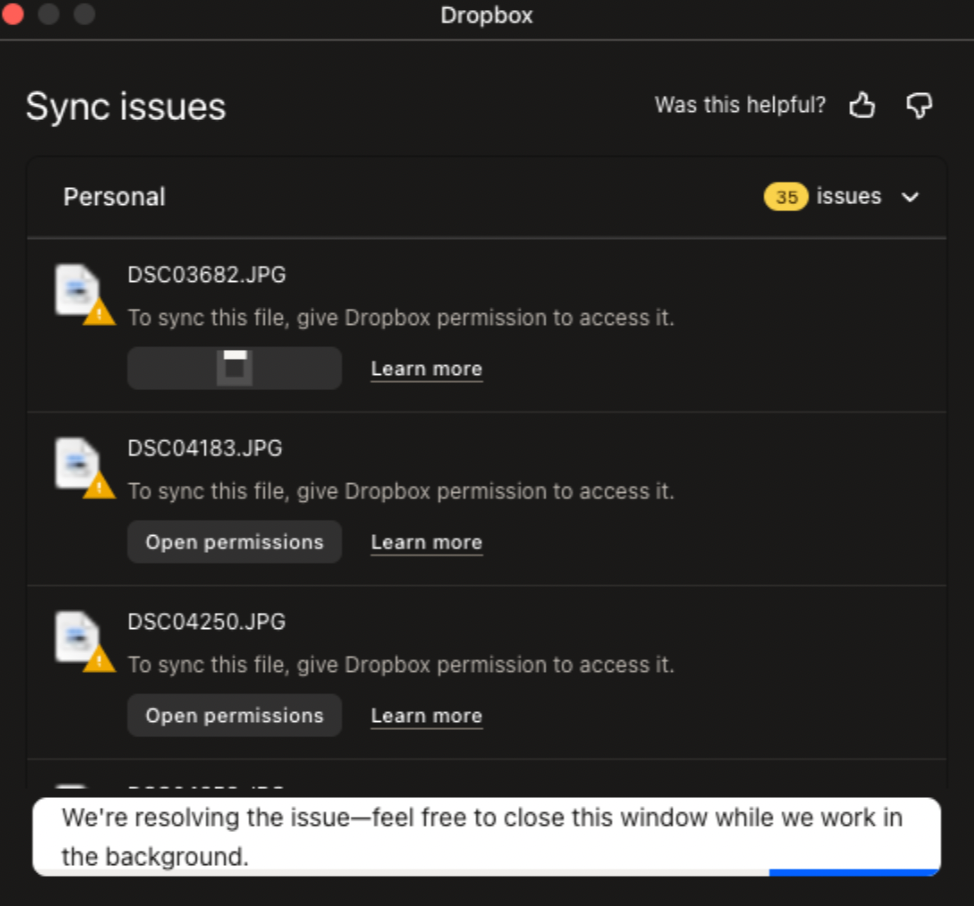
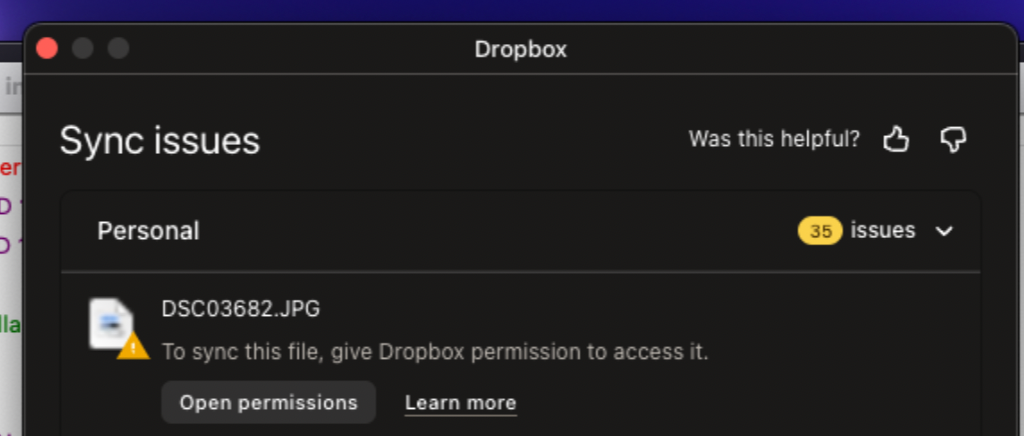
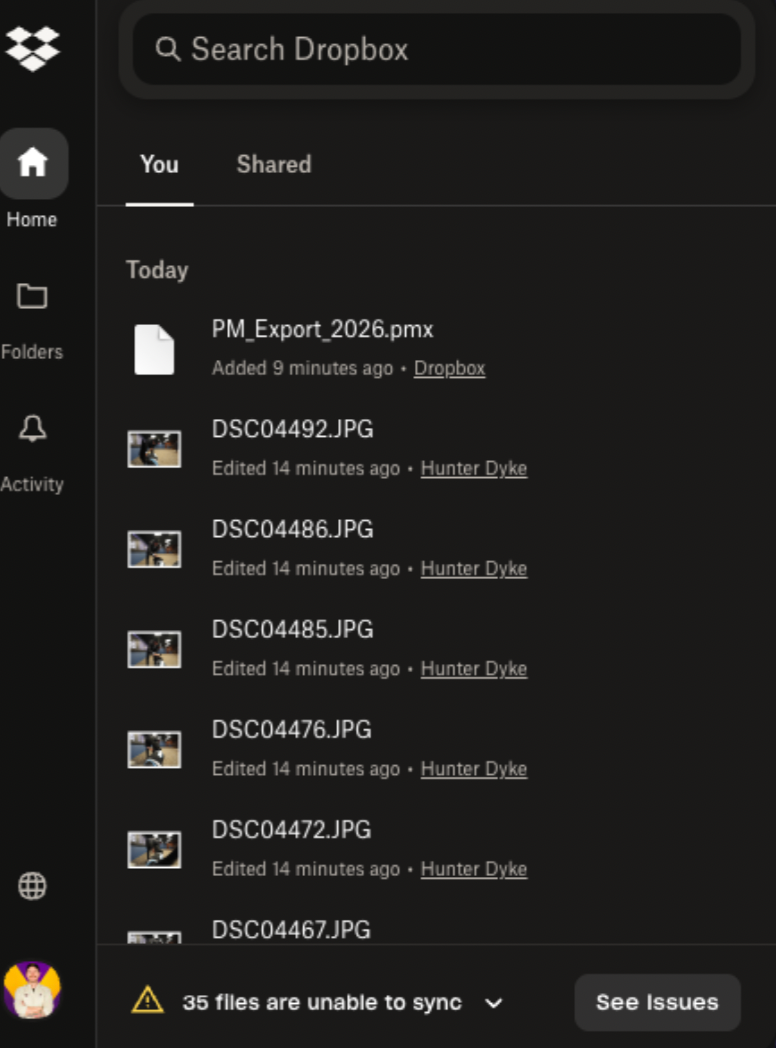
Files are unable to Sync
Question or Issue
Files won't sync on Mac OS. I have tried this on windows PC on the same network, and it works fine. I think this is a MacOS Bug with multiple versions of MacOS and dropbox that needs to be fixed.
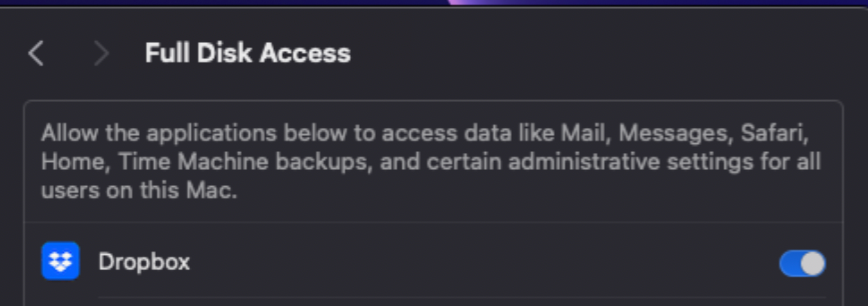
As you can see, has full disk access and no firewall issues, but won't sync. I have tried to "fix Hardlinks, etc". Fixing hardlinks only resolves it temporarily - when more files arrive in the folder, the issue persists. My dropbox storage is not full, neither is my computer. I have seen other troubleshooting steps to move images out then back in, but that is not a solution to me. Quitting, then relaunching does not solve.
Dropbox Folder location:
/Users/andrewwevers/Library/CloudStorage/Dropbox
I have tried a reinstall as well.
I have done this
https://www.dropboxforum.com/discussions/101001014/syncing-problem-on-sonoma-14-1/733803
and this
https://www.dropboxforum.com/discussions/101001014/my-desktop-app-is-stuck-at-syncing-and-i-need-help-with-the-buttons-to-fix-hardl/405492#M34944