Application Affected
Dropbox
Device
Mac Studio
Operating System/Browser (if using the web)
macOS 26.2 (25C56)
Dropbox App Version (if using the app)241.4.4795
Question or Issue
Setting up a new Mac. I've a Dropbox with a few 100 GBs worth of stuff, I want 99% available offline at all times (not short of storage on the new Mac). Selective sync set up to exclude a few folders.
Using Dropbox on File Provider.
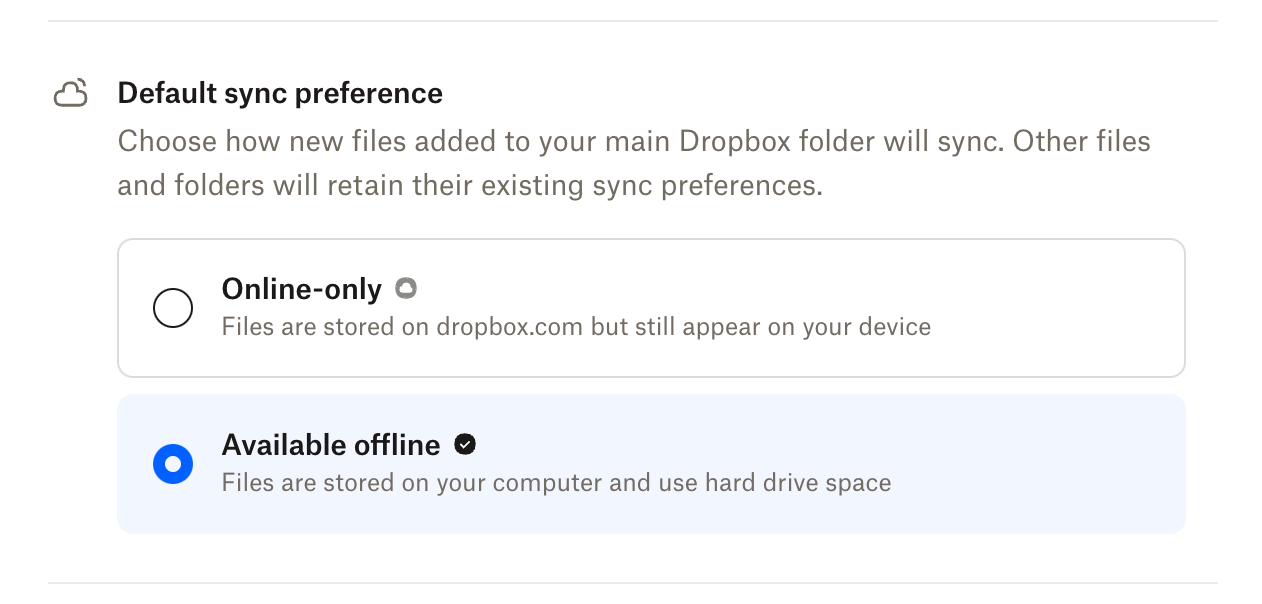
Default sync behaviour is "available offline".
However things are NOT synced to be available offline. I've gone to ~/Library/CloudStorage, right clicked the Dropbox and said "Make Available Offline".
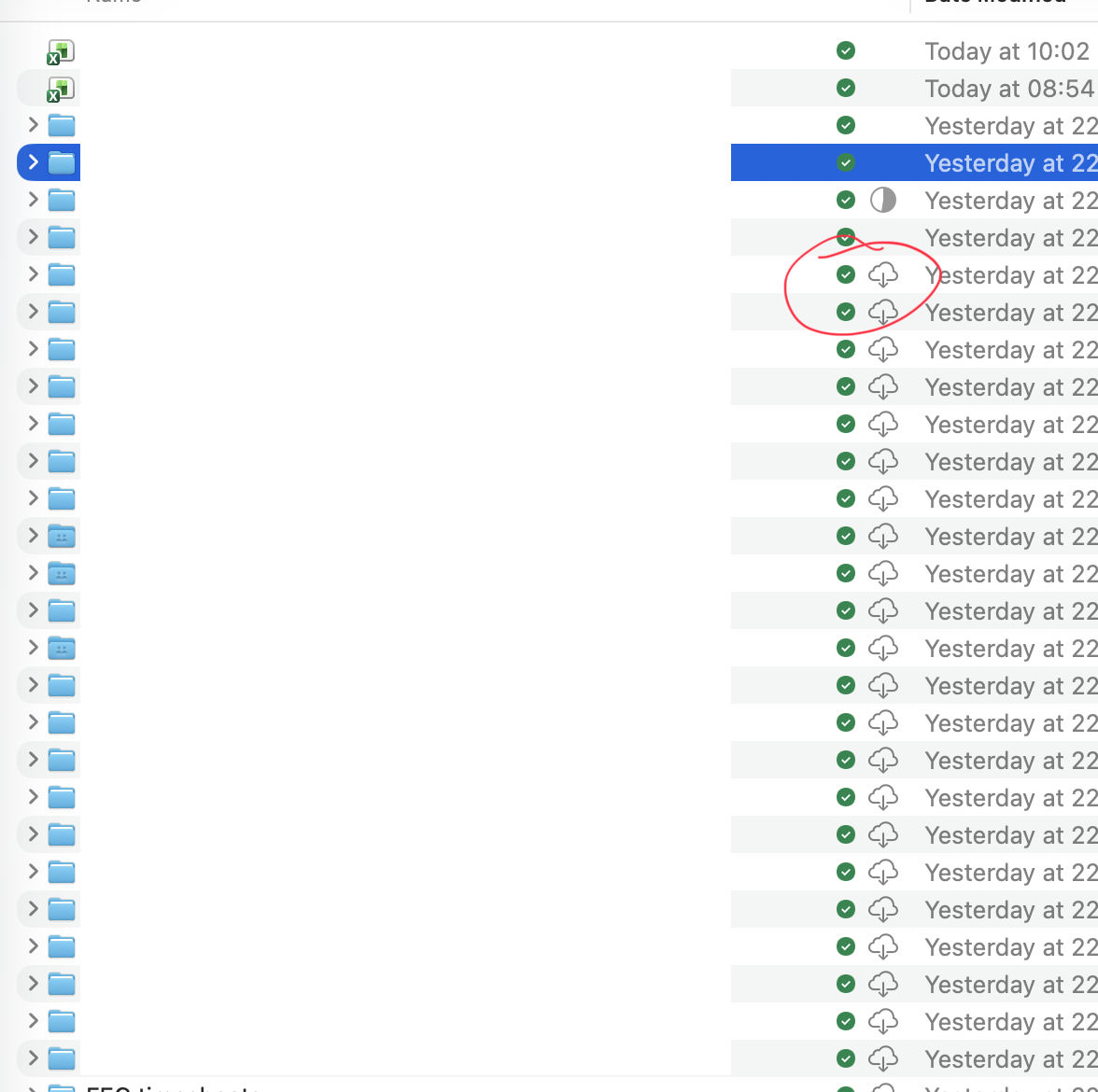
But I now have a weird hybrid of the green "available offline" Dropbox logo but also the cloud macOS icon saying it needs to be downloaded!
I've tried downloading en masse but no option to do that. There must be a way of resolving this?
Thanks!