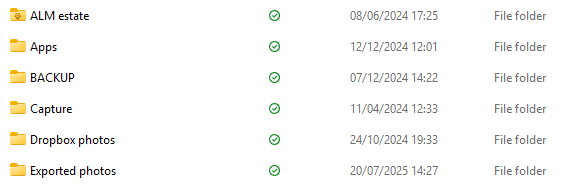
Almost all my files are showing as "available offline" rather than "always available offline". How do I change this?
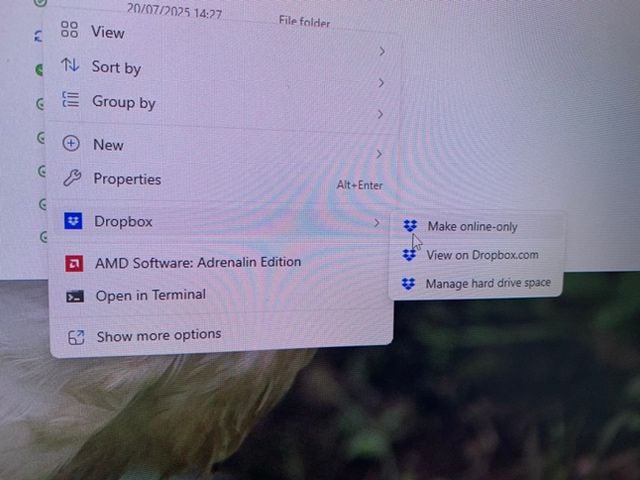
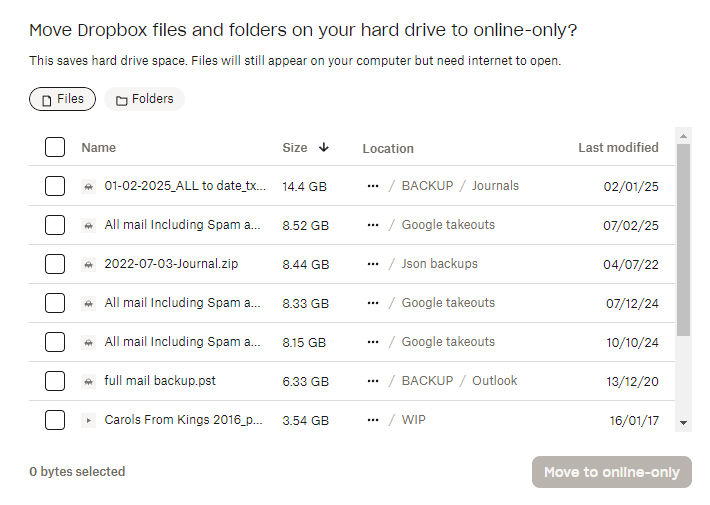
When I right-click, the only options I get are make online only/ view on Dropbox.com/ manage hard drive space. "Manage hard drive space" lets me move files to online only but not to "always available". The same applies to going via preferences. Screenshots attached.
I want my files stored on my computer so I can still get access to them if my internet goes off.
Many thanks