Since about a week Dropbox is generating high CPU load, causing my PC to get hot, so the fan is active a lot.
More info & what I have tried already:
- I am using the most up to date version (v202.4.5551) on Windows 11 (also fully up to date);
- I have tried all the tips on the help page about a high CPU load;
- I have uninstalled and installed Dropbox;
- I am not using a beta version;
- I have tried clearing the Dropbox cache;
- I have restarted multiple times;
- Dropbox is on the exception list of the anti-virus (standard Windows protection);
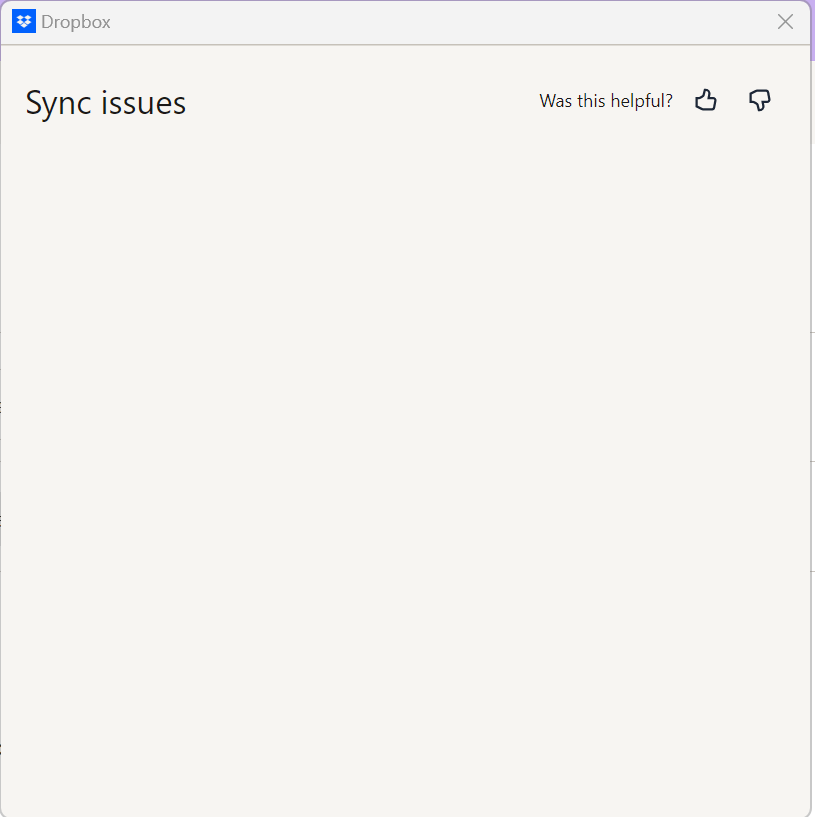
Also, for some reason Dropbox is reporting about 20-30 sync issues, but the sync issues window is empty (so I have no idea what the problem is):
Previously, I had only one sync issue, being the lock file of my browser (which I cannot fix in any way it seems).

