Hi,
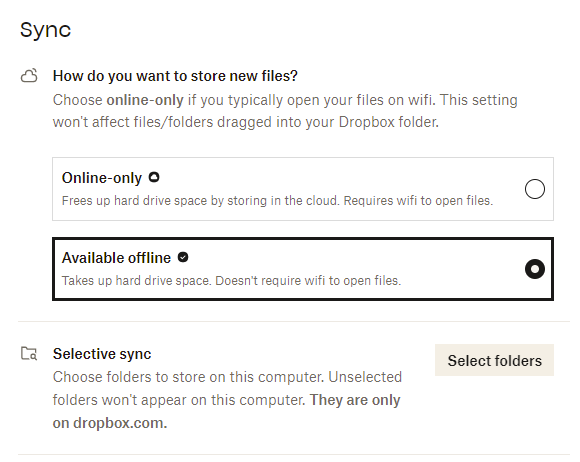
I am using the selective sync option on my PC (Win 10, DB v202.4.5551) and I already have many folders set to web only. So, if I remember correctly, when I open the preferences and go to selective sync options, those folders shouldn't be marked. I could clearly see what folders will be stored locally and which will be stored only on web.
Today I wanted to set few more folders to web only, but now in the selective sync options menu all folders are marked to be stored locally as well. They are actually not stored locally as per my previous selection, but they are shown as marked in that menu. So, I am afraid that if I make any changes in those settings, all marked folders will be set to locally stored and downloaded to my PC.
Hopefully I am making sense and you can understand what I am trying to say.
What to do, how to make changes in selective sync menu but not to have to manually search and un-mark folders I already am not storing locally and prevent a whole mess (I have a lot of folders set to web-only).
Thank you
Mateja