I am currently not able to get any external hard drive to backup to Dropbox backup.
I have previously backed one up successfully, but then that backup got corrupted and had to be deleted.
I even picked up a new Western Digital external drive to start fresh.
I have followed all instructions here:
https://help.dropbox.com/organize/how-to-use-dropbox-backup
I have the box ticked in preferences to "Show setup notifications when new external drives are plugged in."
Yet this notification (which I have seen before), won't show up with existing or the new drive.
The Mac Dropbox Backup app (on MacBook Pro, Venture 13.1) it will recognize that the drive is there.
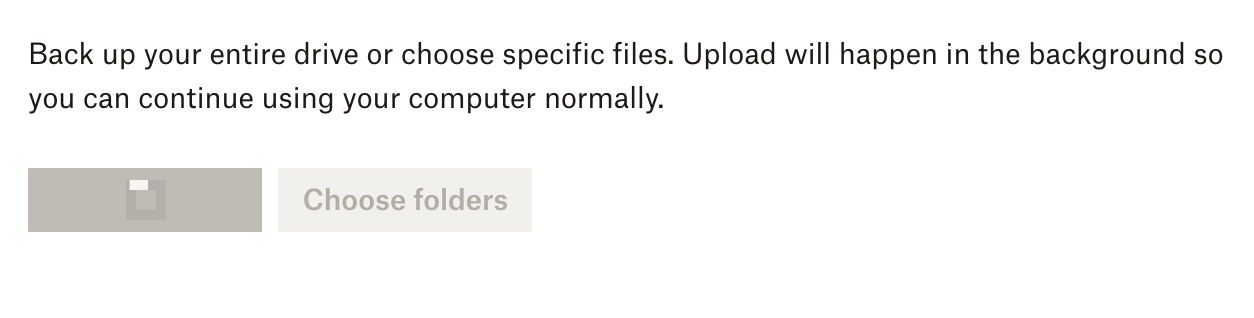
But when I click to back up it just spins and never actually backs up any files.
No files or backup show up online, and the desktop client doesn't show that it is backing up files either.
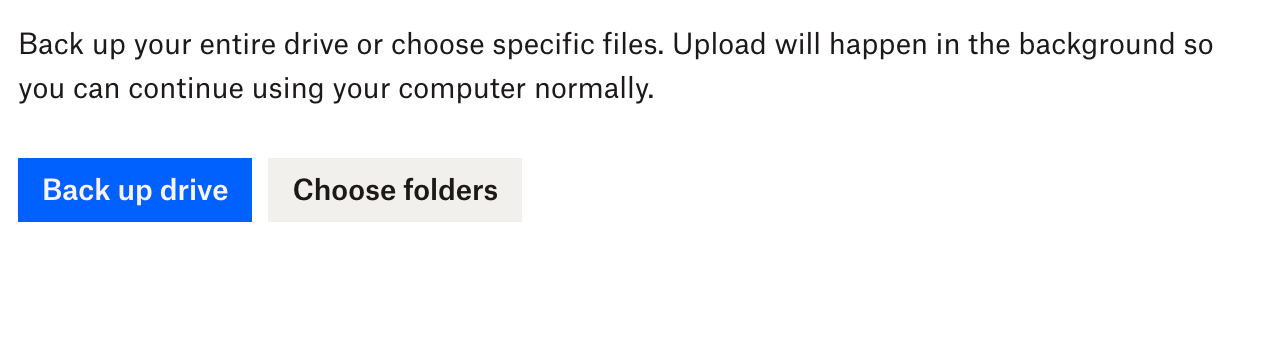
I see the drive with the "back up Drive" option below.
But when I do it just spins (second screenshot) and nothing ever happens.