Hi,
I'll start with a bit of background:
My 3TB fusion drive on my 2013 27" iMac failed recently so I replaced the HD with a new 1TB SSD.
When I try to recover from the latest backup (from a time machine back up on an external drive) it turns out the back up is too large for my new SSD (I think around 2.1TB of the iMac HD was being used).
The main culprit is Dropbox (1.8TB, even though I had previously set most of it to being online-only, to free up space) and if I uncheck the Dropbox box on migration assistant, everything is fine and I can reinstate Apps, Documents, Mail etc etc that were on the iMac before....EXCEPT dropbox and my Desktop, Downloads and Music (because these three folders were synced and backed up to dropbox).
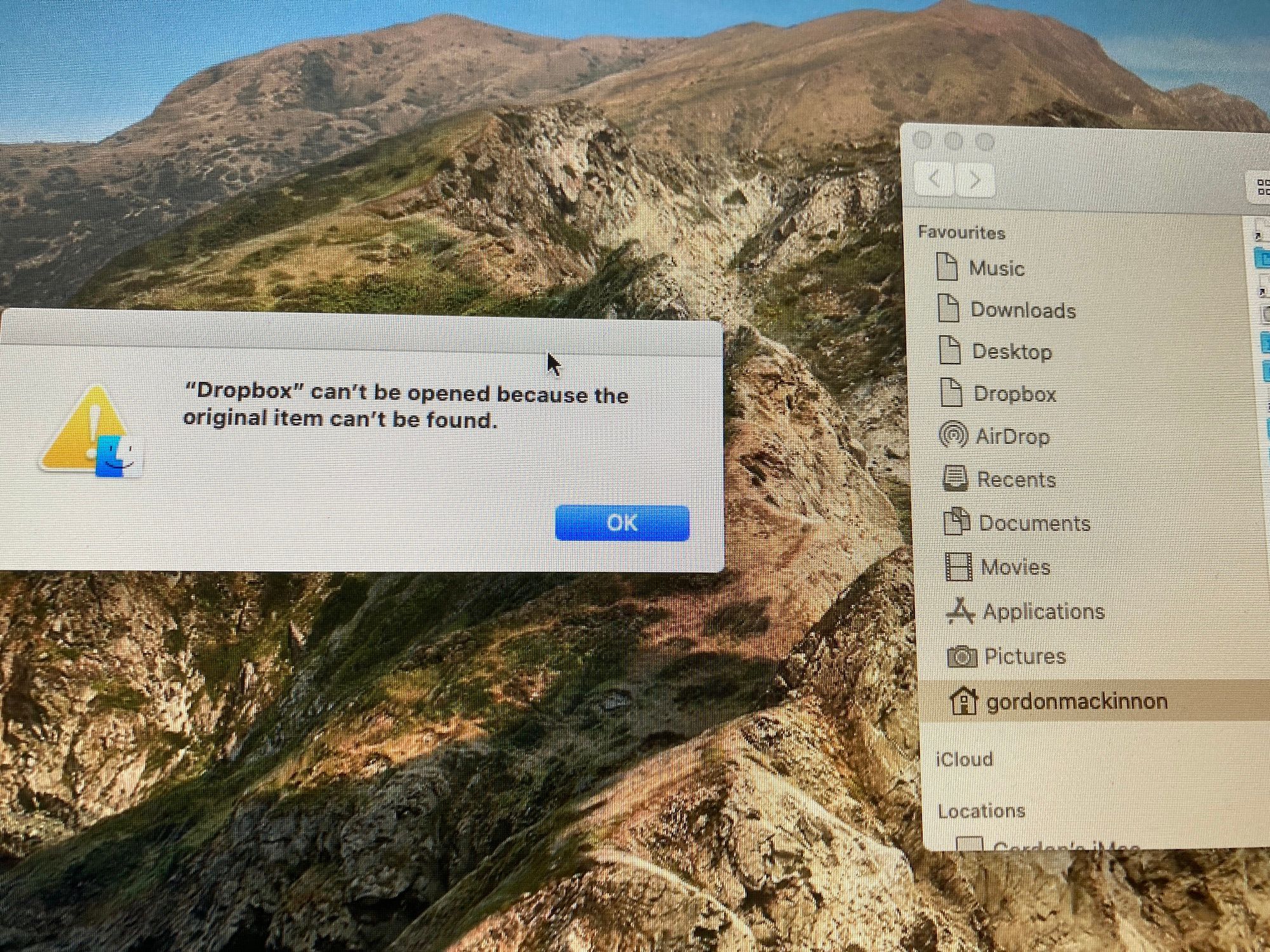
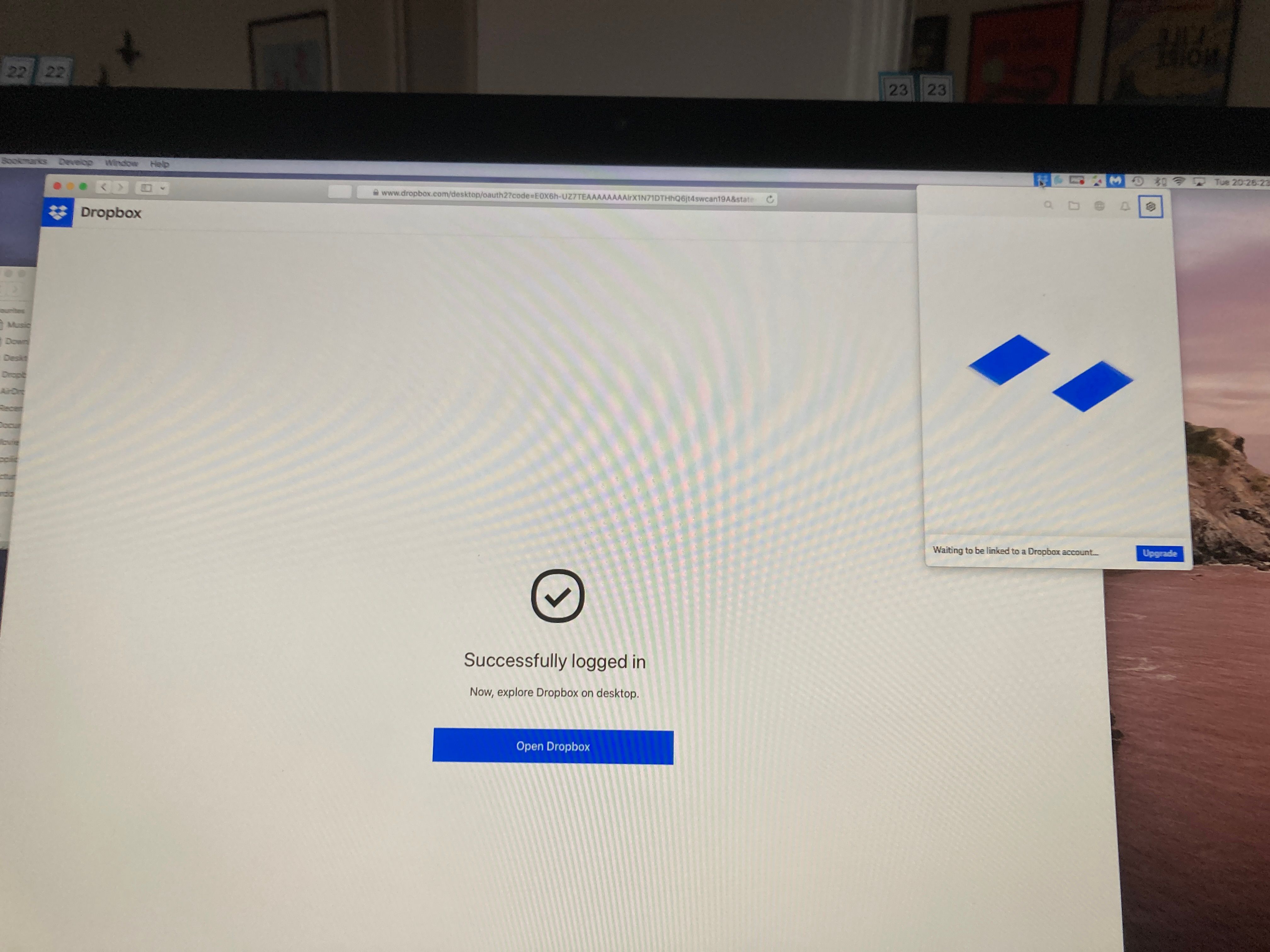
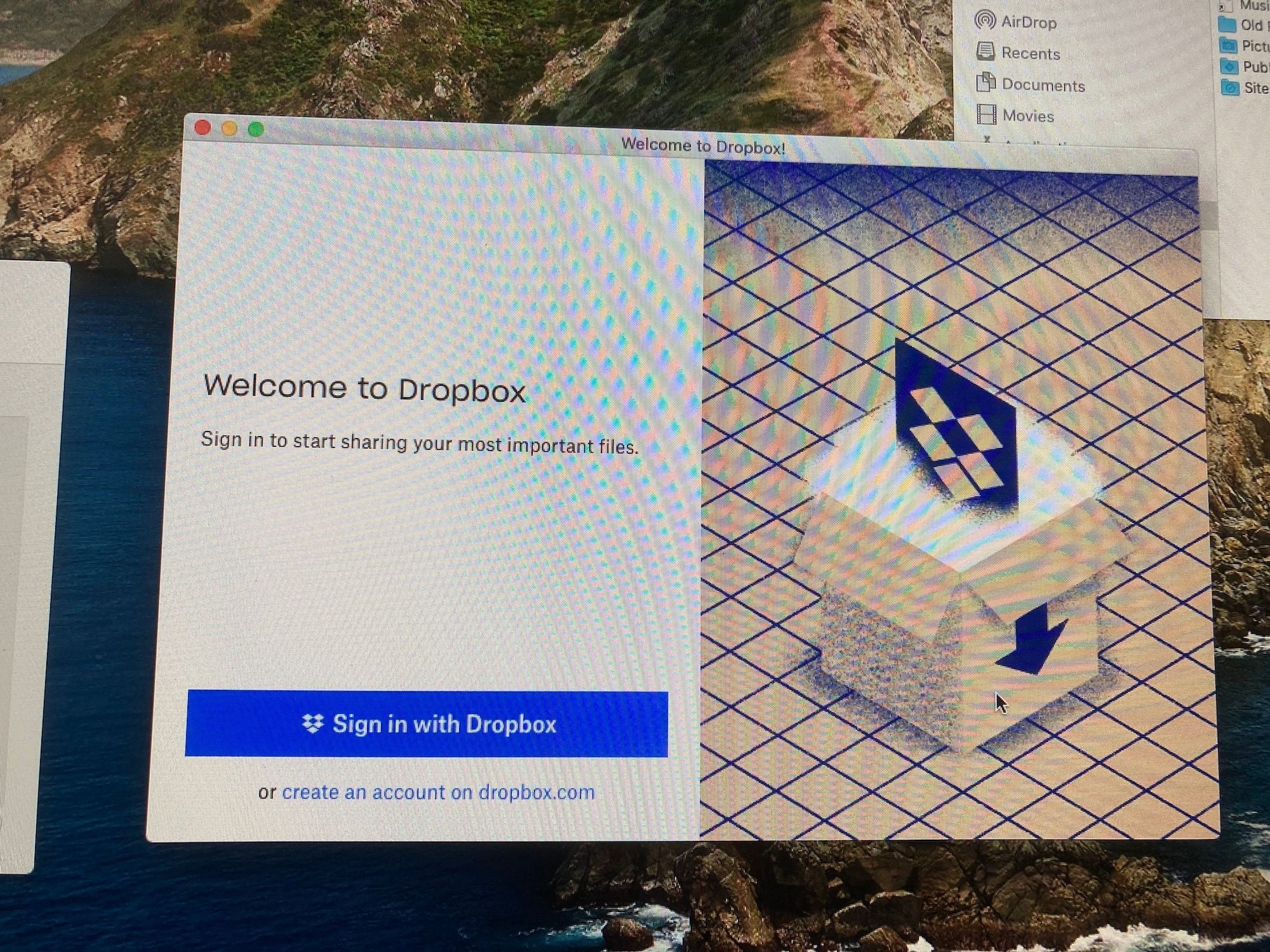
Unfortunately I can't reinstall dropbox again because my download folder is non-existant so no destination for downloads to go to (there's simply a question mark in the place where it should be on the right of the dock), so I can't even download the installer.
It's quite nice having a completely clean desktop too but TBH I'd like to access the files that were on there.
Is my only option to get a larger external harddrive and make that the iMac's main drive? If so I've wasted time and money on the new SSD.
Any ideas of how I can solve this and get my Desktop, Downloads and Music folders back?
Thanks,
GK