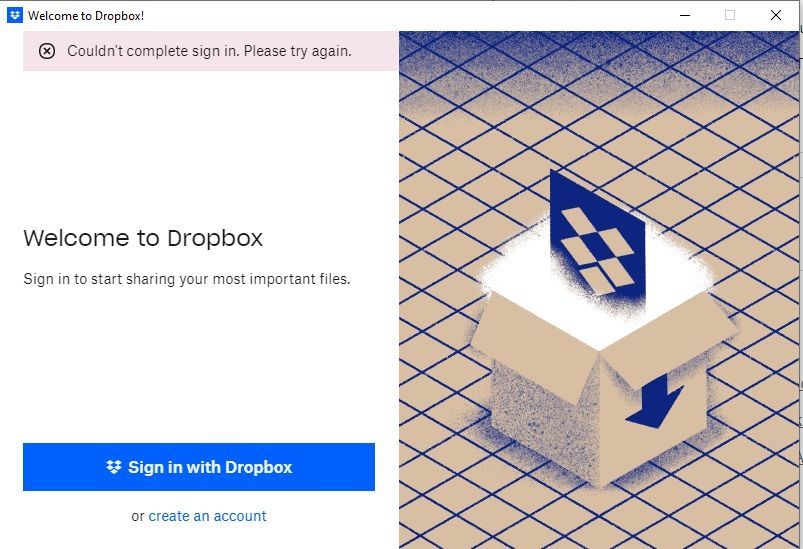
Hi, just tried to install Dropbox app on Windows 10 Home. I cannot even get to a window to enter username and password of the Dropbox app. How to solve it?
Unbelievable. it was a wrong download package from here: https://help.dropbox.com/installs/download-dropbox
Instead should have been from here: https://www.dropbox.com/desktop
So, make your own conclusions people
Screenshot attached
Thanks for bringing this to our attention, @astronomik77.
Can you temporarily disable any security apps you may possibly have, like an antivirus, VPN, firewall etc., to see if that helps?
Also, if you're on a Basic free account, make sure that you have less than 3 devices linked to your account already, in order to sign in to this one.
Let me know how it goes!
I have no VPN, turned the firewall off, antivirus off. Still not working out
Hi @astronomik77, if you're on a Basic plan, did you check this page to ensure that you only have 2 devices or fewer currently connected to your account?