Hi! I've been using Dropbox to sync my Scrivener files across my Macbook Pro, Mac Mini, iphone and ipad. This has been working beautifully for years. I updated Scrivener on my desktop, and now dropbox seems to not sync some of my Scrivener files. I've opened some with no problem, but others I get a cloud icon next to the file and when I click on it, it does something for a moment then the cloud returns. Those files with the cloud are clearly not syncing with my ipad/iphone or Mac Mini. When I attempt to open them on my MacBook pro, I get a message saying a helper app isn't working but no further info to help me figure out what to update or re-install.
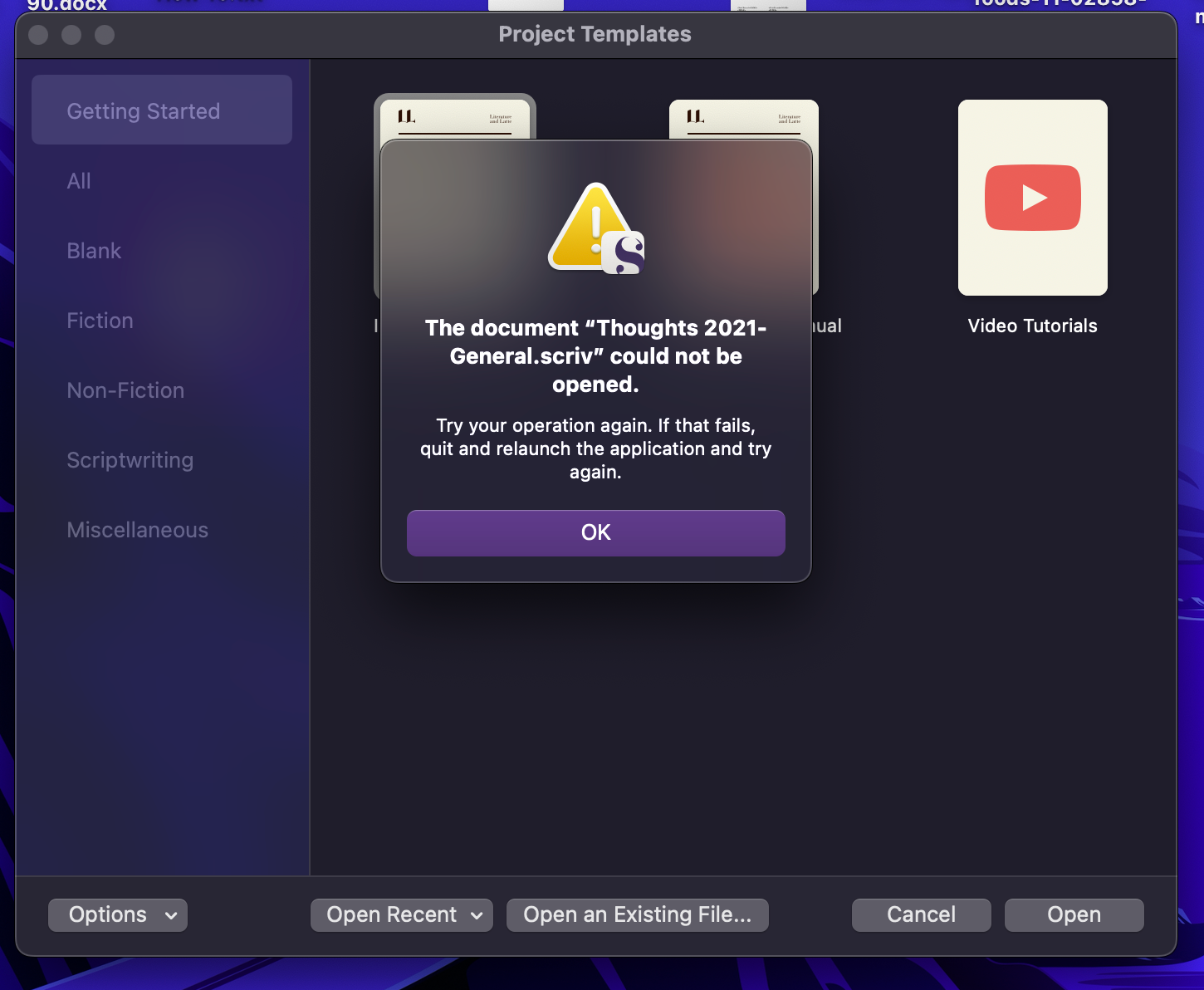
All files seem to be syncing across the ipad, iphone, and Mac Mini with no problem. When I log into Dropbox through my browser, I can see the files are there and from the Mac Mini they appear to be the ones synced with the ipad, iphone, and Mac Mini. But, I cannot get my Macbook Pro to open them in Scrivener. Any ideas on how to fix this would be most helpful. I looked for away to maybe update dropbox on my Macbook pro, but I don't see how to do so. I suspect that might be what I need to do?





