TL;DR - Many files seem to be indexing for no reason, some seem to be downloading locally, dropbox app is crashing every 5 minutes, I've tried most of the troubleshooting techniques, and have no solution for what I'm facing here.
For the past week or so, Dropbox has been indexing in excess of 20,000 files without any user input (and seems to be downloading some files without any instruction or input from me). It has also been unexpectedly crashing within a few minutes of starting up.
I have tried just about every troubleshooting option in the book:
- Advanced Reinstall + Selective Sync (did not fix anything, waste of time)
- Fix Hardlinks / Permissions (did not fix anything)
- Relinking Account (did not fix anything, although it did seem to go through all of my files and end up getting stuck again)
- Selective Sync (which does not work at all)
- Removing Some Files that were recently added (did not fix anything, still had the same amount of files indexing/syncing)
- Selecting "Online Only" for the whole Dropbox folder as some files seem to be downloading for no reason at all (didn't seem to work, it did seem to make the problem worse if anything)
What I am currently doing:
- Checking the Windows Indexing settings to see if this will fix/subdue the issue
I am yet to try:
- Relinking Account in conjunction with Selective Sync and seeing if that does anything, but I am reluctant to try this again if it will just get stuck.
The number of files being indexed seems to vary between 19,000 and 23,000, however, this figure has been going up recently.
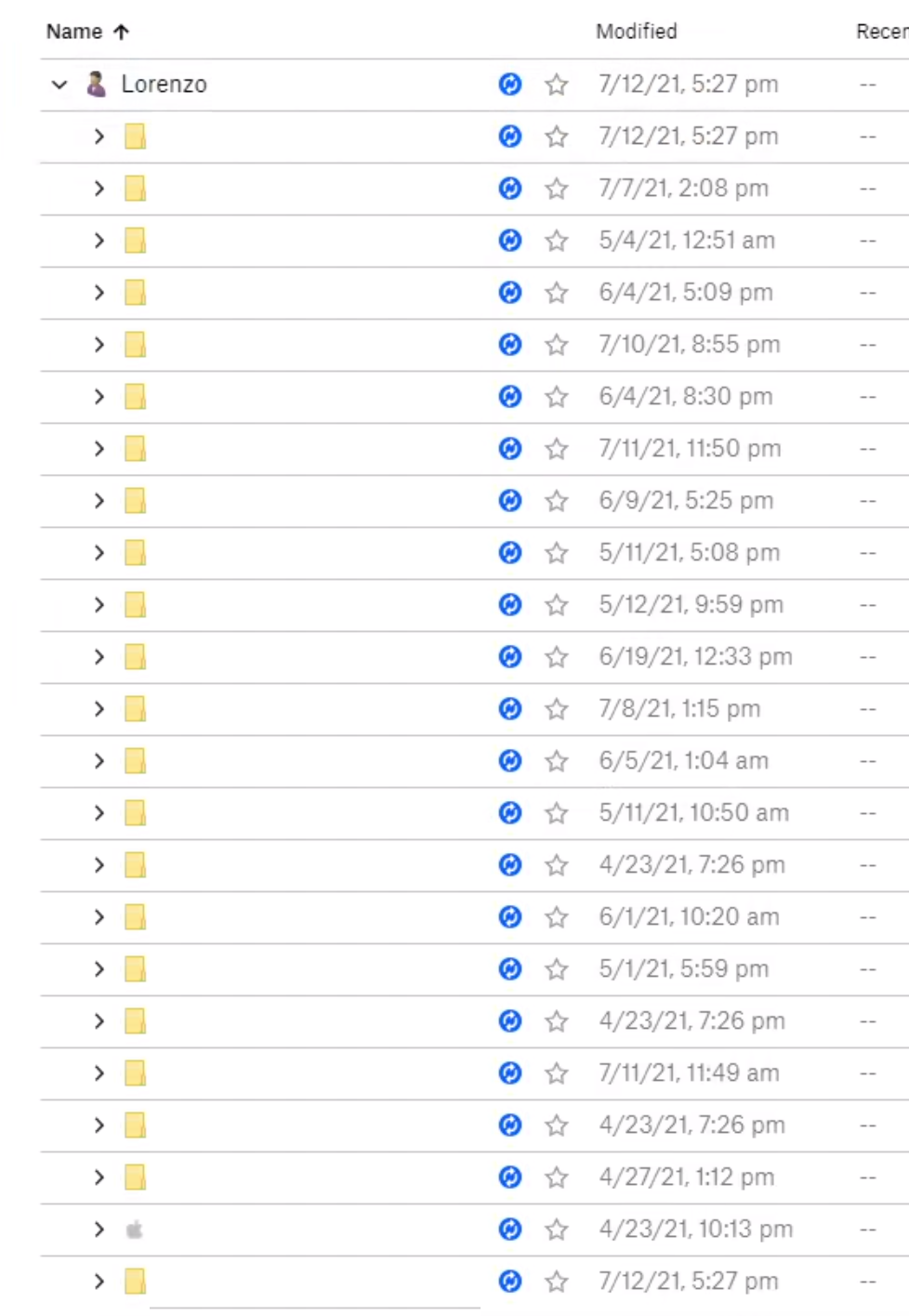
Every single file is showing the "blue sync icon", so finding the troublesome files are impossible at this stage, and it has been very stable with around 4 million files, so not sure what has triggered this to happen.
I would usually upload around 500GB at a time, and the Dropbox app would take it like a champ and just get the job done, now, however, it doesn't seem to like anything I do with it.
What has happened on my PC recently:
- I had placed a small batch of files into my Dropbox folder (around 120GB or so, I am reluctant to delete my entire Dropbox directory and start again in fear of unsynced files.) [I have taken out some of these files and this did not seem to fix anything.]
- Windows Updates
I had a similar issue around a month ago, and somehow happened to fix it by taking files out that I had recently placed inside the Dropbox folder. It seems as though now, this solution does not seem to fix anything.
I understand that I have some 4.2 million files in my Dropbox, and I have been trying to selective sync to reduce this amount to improve performance, however, it seems to be an impossible loop of crashing and indexing/syncing.
I have a fairly high-powered system so I expect this indexing to be completed rather quickly, however, it has been doing this and crashing for the past 5+ days or so.
Please help!
(I have redacted personal information)