Hi,
I'm looking for the option to disable the selective sync. I want to keep all the files locally, at all times.
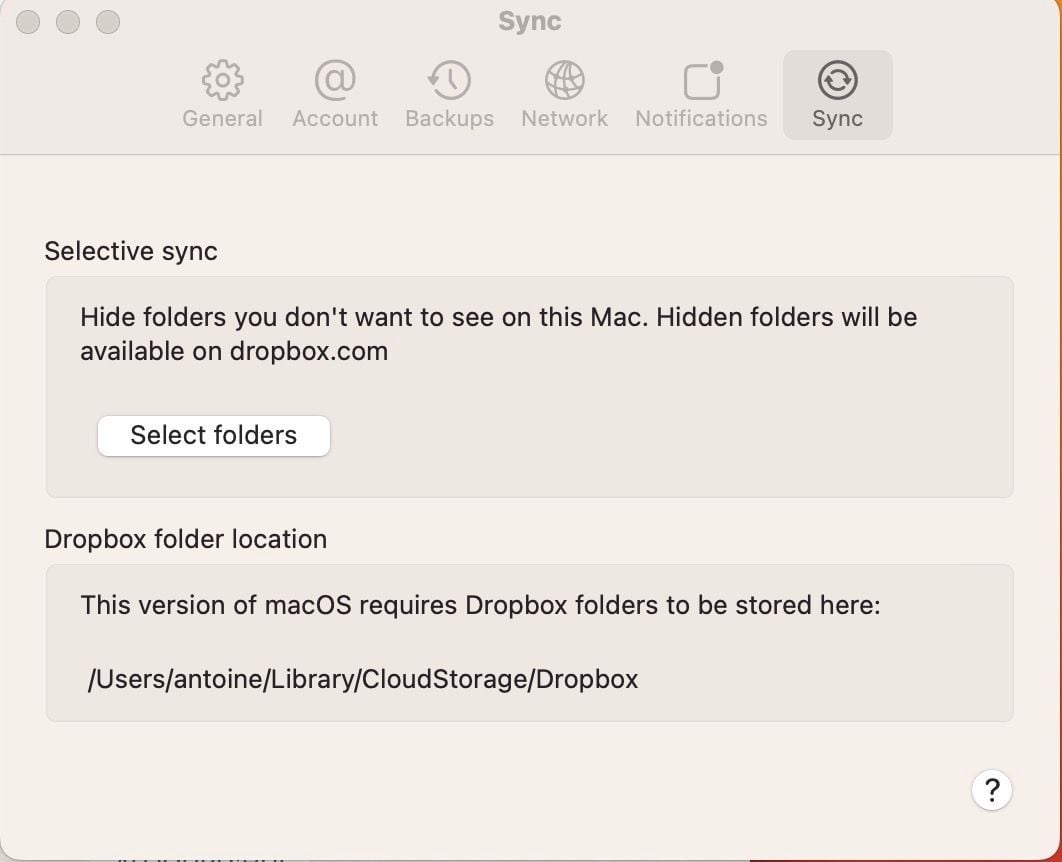
I don't find the option to disable selective sync. In the sync settings, I only see two options:
1) Selective sync: Hide folders you don't want to see on this Mac. Hidden folders will be available on dropbox.com
2) Dropbox folder location: This version of macOS requires Dropbox folders to be stored here: /Users/.../Library/CloudStorage/Dropbox
Edit: I'm on macOS 13.1 and Dropbox v165.4.4300