New user. Windows 10. Dropbox installed. Icon in taskbar. Dropbox folder location is on C drive. I need it to be on my much much larger D drive. I have directions on how to change the location that requires getting to PREFERENCES "Open your Dropbox desktop app preferences" found by "clicking on the avatar. BUT I see no avatar (my name or picture at the top or the bottom. Just a regular Windows folder view. Thus
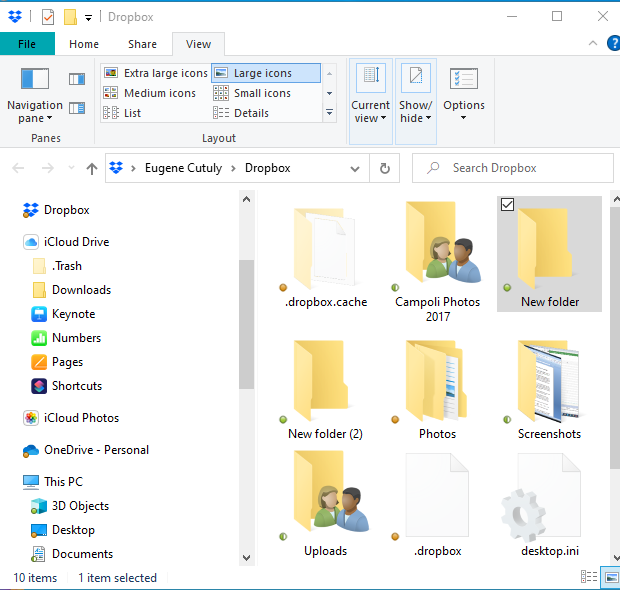
What am I missing? Thanks for your help. Gene





