Hello,
I am running Windows 11 enterprise and the Dropbox icon never stays in the taskbar corner after a reboot. When I restart my laptop it moves to the taskbar corner overflow.
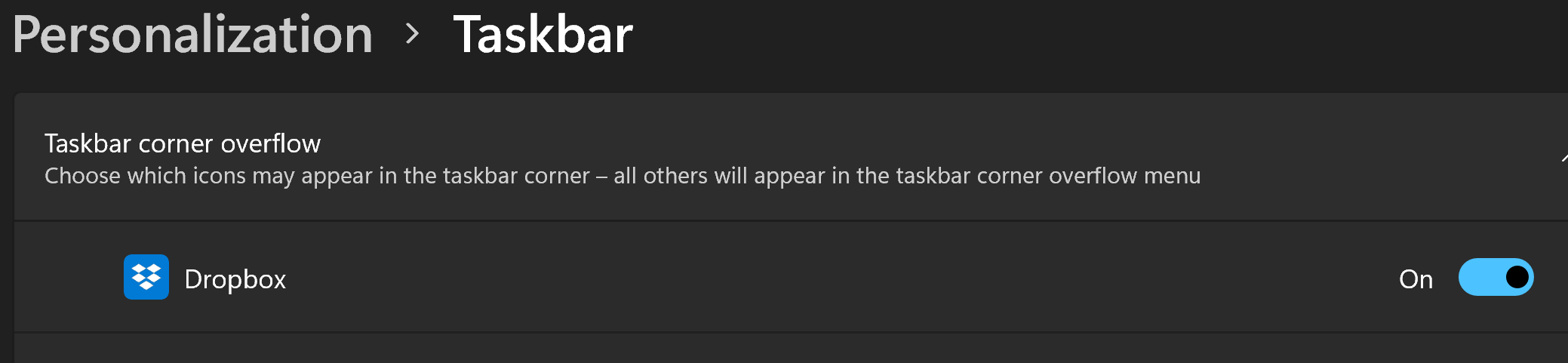
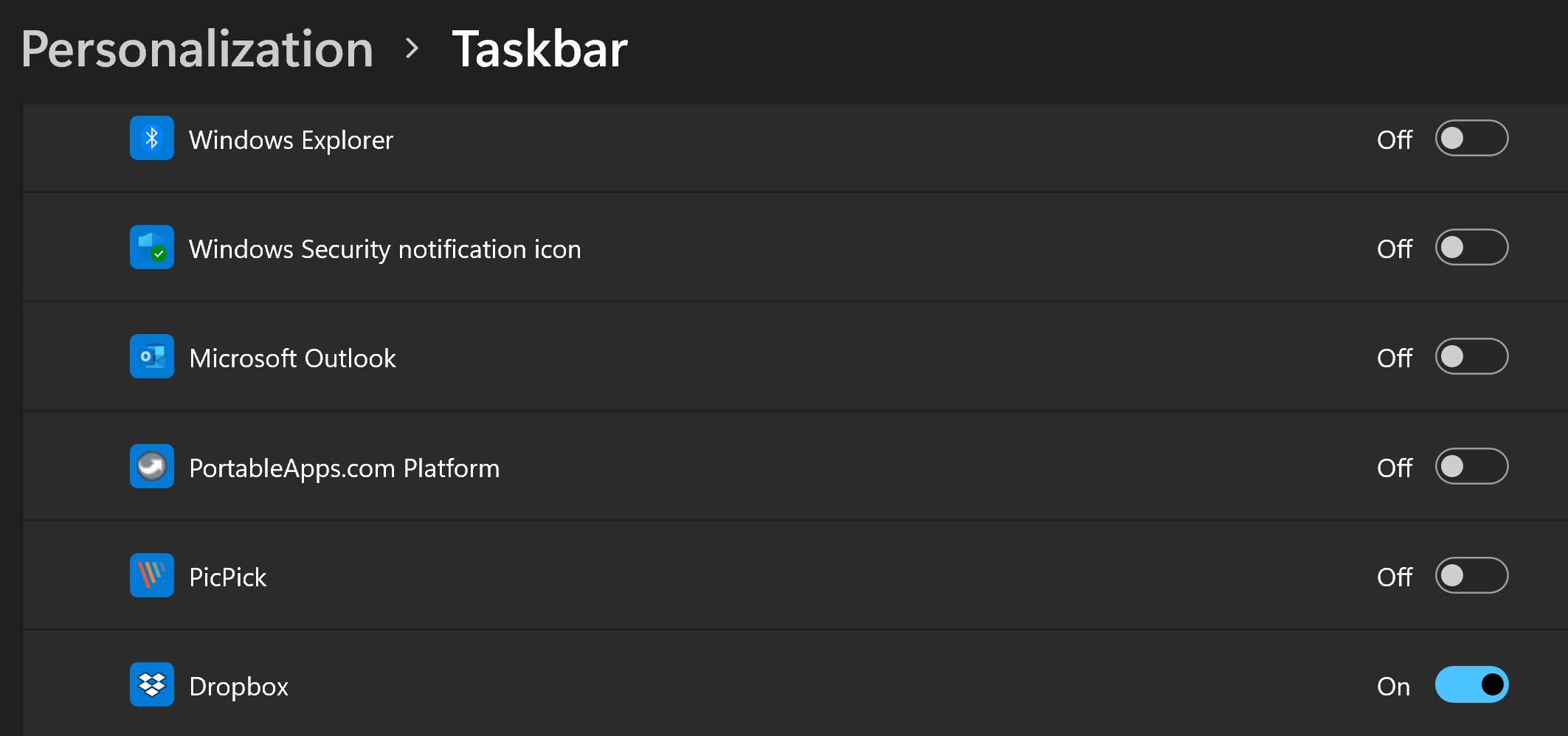
On the "taskbar corner overflow" list (see settings -> personalization), there are two Dropbox icons. One shows version 147.3.4761 when you browse over, the second one does not show anything when you browse over.
I contacted the Dropbox support team who blame it on Windows, but I suspect the issue lies with the installation and having two Dropbox icons in the "taskbar corner overflow" list. I tried to reset the taskbar list but it didn't work.
In brief, I want to keep the icon in the main taskbar (not the overflow). Any ideas?
Below are the two icons (there should be only one).
Cheers, Géraud


