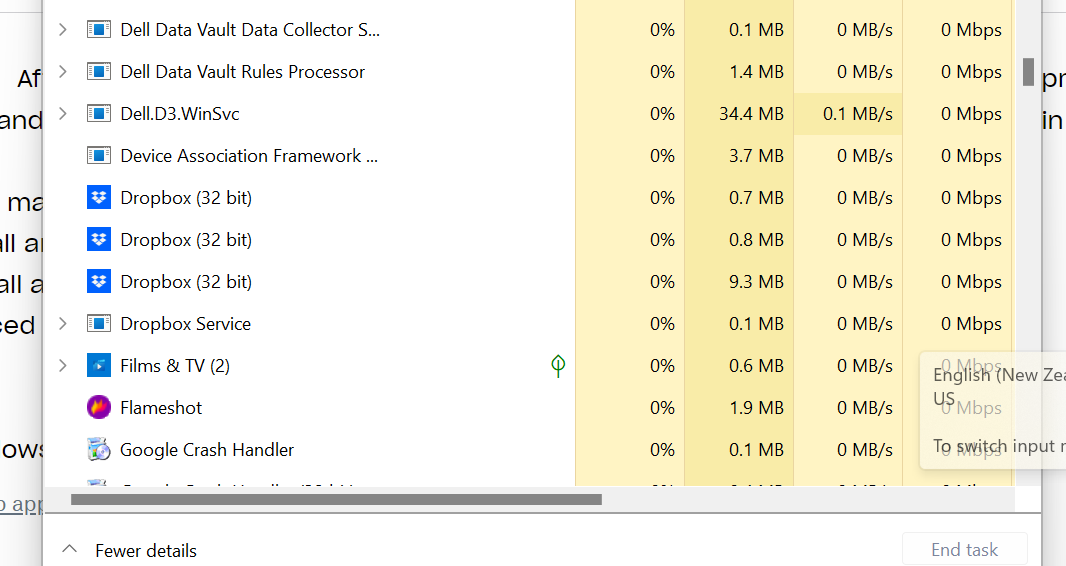
Situation: After re-intallation and advanced re-installation of dropbox I am unable start the program. Dropbox application appears and task manager but there is no folder in Windows Explorer, and no dropbox icon in task menu.
Attempts made to resolve:
* Uninstall and reinstall
* Uninistall and reinstall with defender and windows antivirus off
* Advanced uninstall (confirming registry removal) and reinstall with offline installer
OS: Windows 11
Image 1: Windows Explorer (Drobox link shown at top, no dropbox area on left, no synchronization occuring)
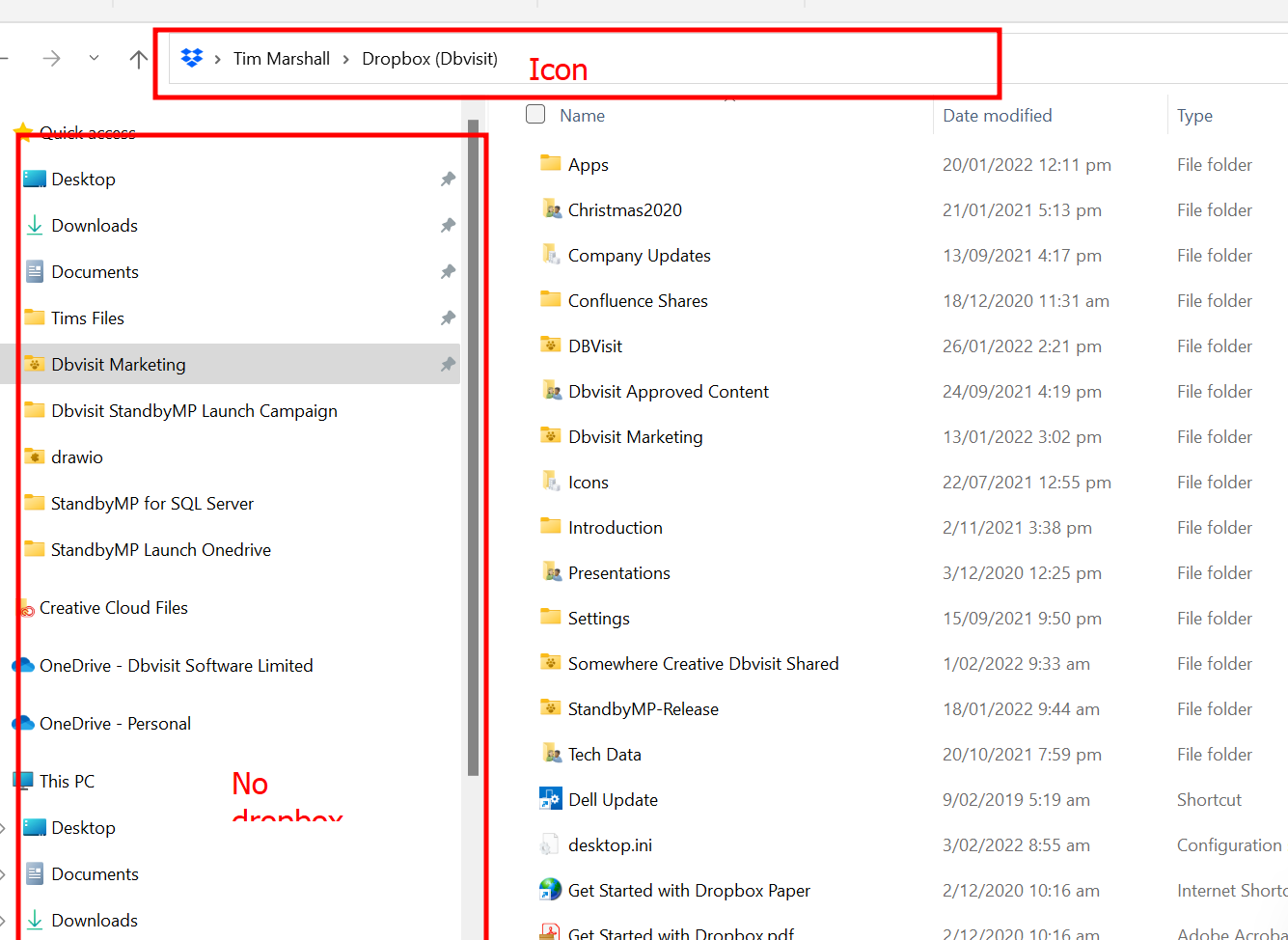
Image 2: Services are Running but cant get Application to open