I have been using Dropbox without issue for years, and Smart Sync seamlessly since December. Suddenly today, when I go to open files from a folder that I have not used in months, I am getting an error that the file does not exist when I try to open it. I can see the file in my dropbox folder on my computer. I can see the file in the new desktop app I just installed and I can see it online. However, no matter how I try to open it, I get an error message that the file doesn't exist, or that it can't be opened. I am trying to open files that were created in Adobe products (PDF, PNG, EPS specifically). I am able to open the file from another user's account that I share these files with, but not from my account. I just noticed that this was an issue today. I checked my hard drive space and I have more than 380GB free.
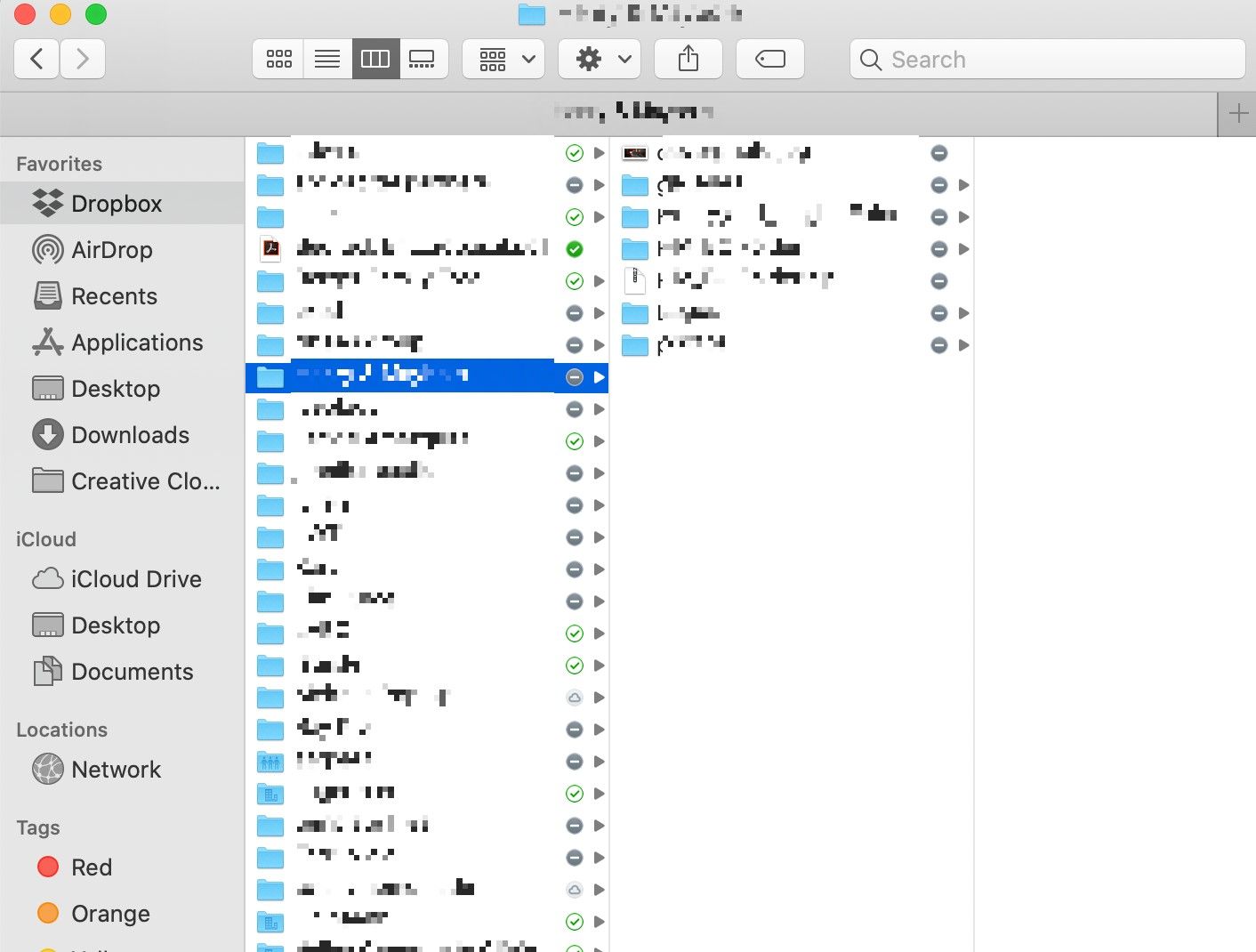
This is what I see on my desktop folder. Notice that grey circle icon indicating that the file has not been accessed recently.
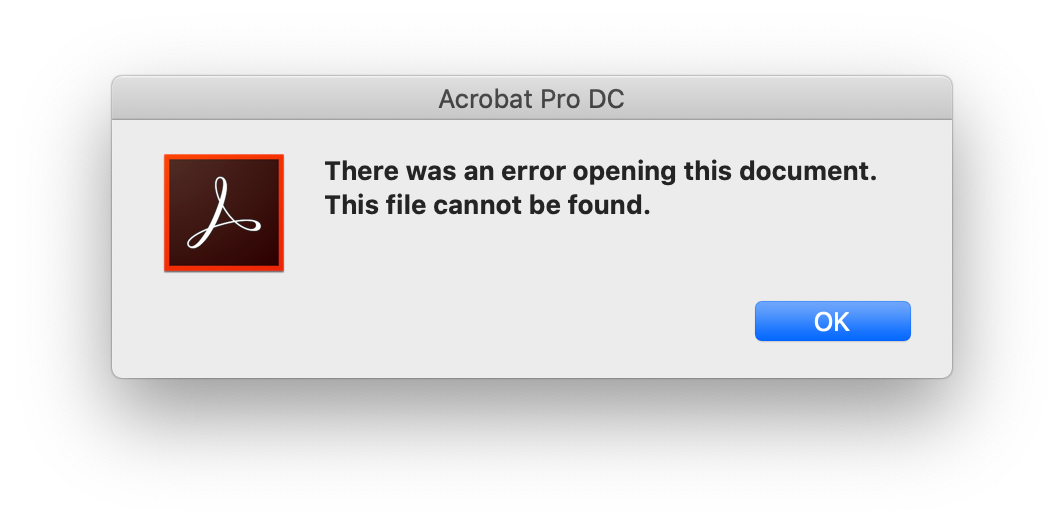
This is the error message I get if I try to open a pdf file through my desktop folder, the app, or online. I can see the file and its contents in the browser, but if I try to open it in acrobat through the browser I get this same error message.
I'm stumped! I can't find anyone having similar issues in the community. I had not made any update prior to discovering this error (although since discovering the error I did update adobe creative cloud and install the dropbox app).
Thanks for your help!
Wendy


