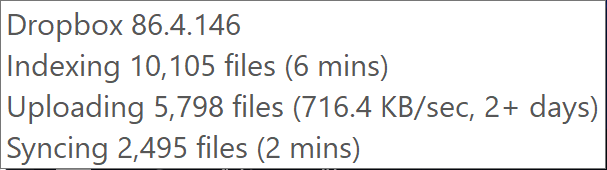
I have a personal dropxox account and am on Mac OS Mojave 10.14.4. I am syncing a large number of files and want to prioritise some larger files first. According to this article https://help.dropbox.com/sync/prioritize-files-sync I should be able to right click on a file with the blue sync icon and see option 'Sync now'. However, I do not see this option - see screenshot.
I want to know if this option should be available on Mac for a personal account or if it's only available on business account. If it should be avaiable is there anything I can try to troubleshoot the problem? 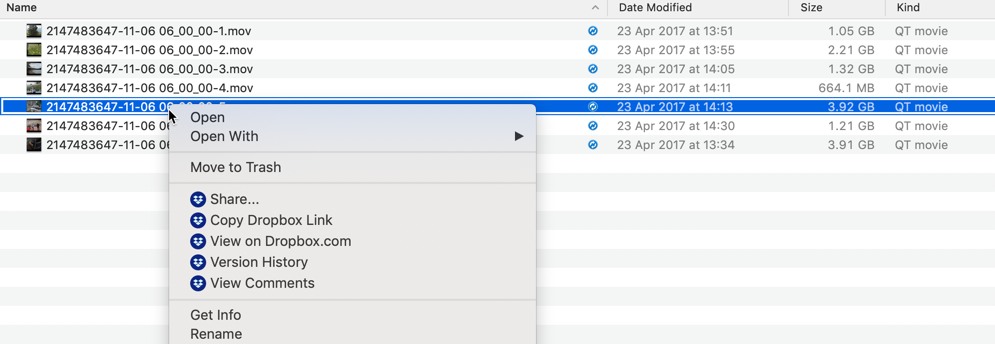
Thanks for any help