Hello,
I think I had this usefull feature before and i can't find it now.How do I import a word document to paper ?Thanks
Hi -
I would also like to be able to import a Word document into Dropbox Paper. I often create a document in Word and then decide I want colleagues to collaborate on it, so I would want to import it to Paper (as Google Docs allows).
Is this functionality available? If not, can you add that functionality?
Many thanks.
I tried this. It adds the Word document to a Paper document, but it does not open the document in Paper for collaborative editing. I copied and pasted in a resume, and the formatting is all off. Didn't there used to be a feature to open files that were in Dropbox in Paper?
Hi Jane,
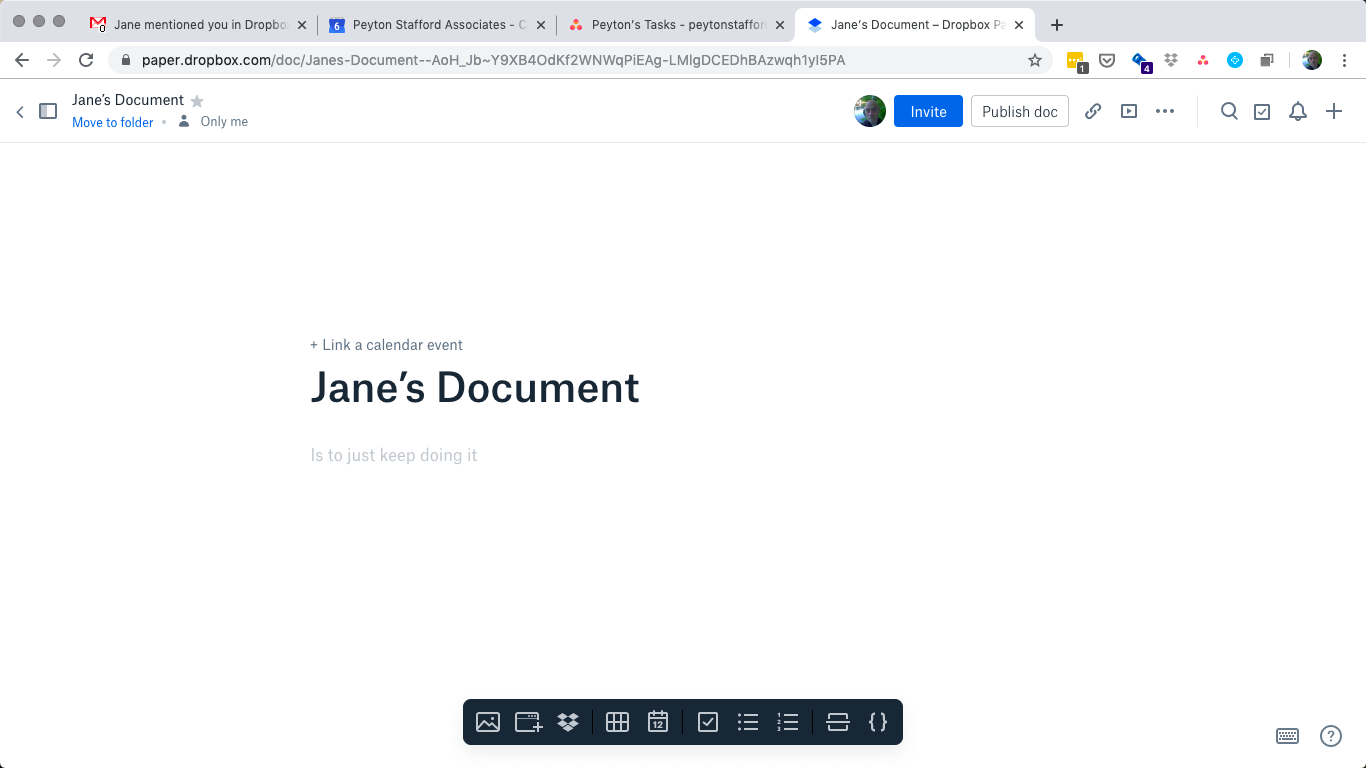
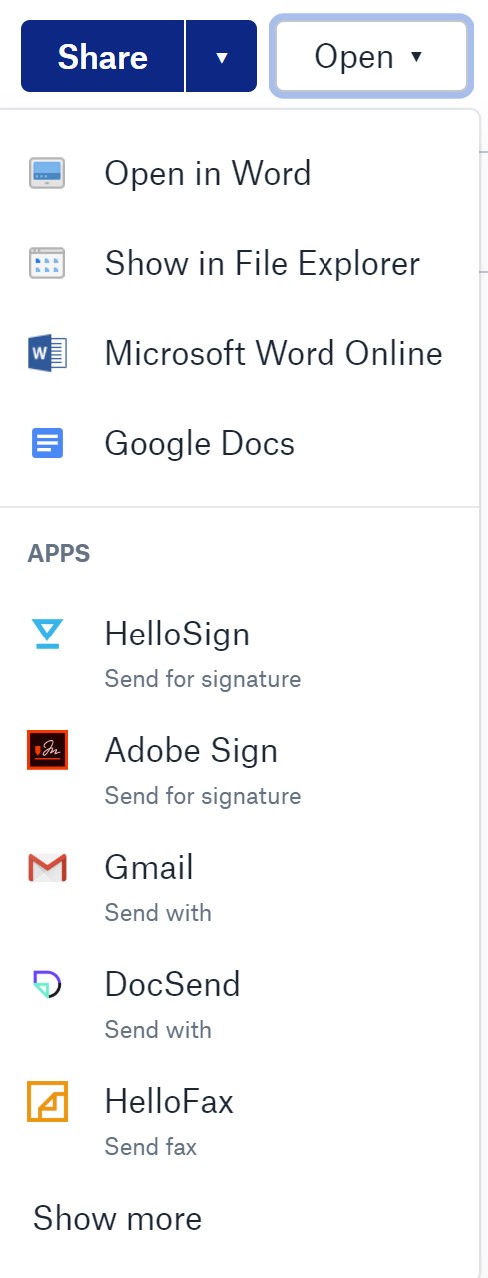
Thank you for your response. Unfortunately, I do not see a ribbon at the bottom of my Paper documents, and when I view the Word file under discussion in Dropbox, the options to open it are MicroSoft Word or to show it in Finder. There is no longer the option to open it in Paper. Am I missing something?
Thanks, again, Jane. Here is the screenshot you requested.
Thanks again for keeping in touch; please let me know how you get on with my suggestion!
Yes, it does.
It does not open the document in Paper for collaborative editing
I copied and pasted in a resume, and the formatting is all off.
Not the previous poster, but I have the same question.
When I insert the file in the paper document and then select the "Open" button I have other options but not paper:
Also I do have a "keyboard shortcuts" icon next to the ? icon in the bottom right corner of the paper document.
I would love to use paper instead of word, but this is the one thing I'd want to be able to do - if paper could import and export a docx as easily as with google docs (maintain formatting, headings), I'd go with paper no question. Otherwise I'll stick with the current system.