Question or Issue
We are experiencing a problem where a user is unable to access a Dropbox file through Adobe InDesign. The project folder contains two directories — one with the content files and another with the InCopy file. Dropbox shows that all data is fully synced.
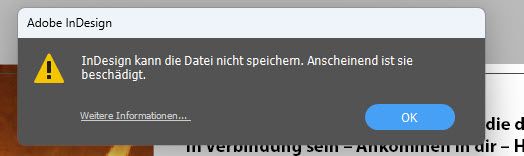
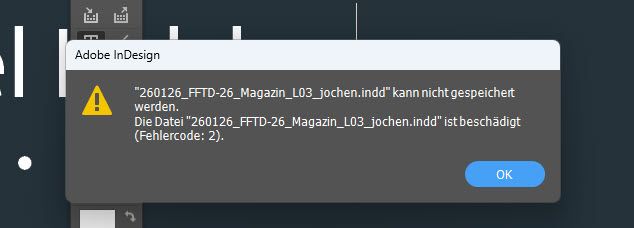
However, when the user attempts to open the content folder file directly from Dropbox in Adobe InDesign, the image frame loads but the linked text content does not, and an error message appears
This issue does not occur when the files are downloaded locally. in that case, everything opens correctly. We have already verified that the files are synced and that the user has the necessary permissions.
Could you please confirm whether this is a Dropbox-related issue and advise on how to resolve it?