Integration Affected
Microsoft 365 (specifically Excel)
Operating System/Browser (if using the web)
Windows 11
Question or Issue
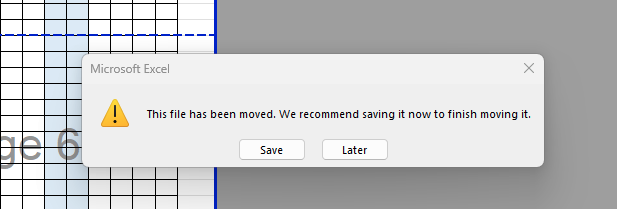
One of our users started getting errors yesterday when trying to open Excel documents that are stored within the Dropbox folder. The file opens, but brings up the following error:
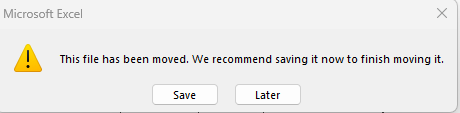
The file has not been moved, nobody else has this problem currently. It only happens when the file is within the dropbox folder on her computer. If we copy the file to a location outside of dropbox, it's fine.
Searching the internet, it seems people who use Box (which I'm assuming is similar to Dropbox), are starting to have the same problem. It was reported in their community beginning on Nov 25, 2025 and more and more people are replying to it complaining of the same issue. A few different "fixes" were suggested by their IT which did not fix the problem and yesterday they say they have determined that it's a bug related to the latest Seamless Login release from Microsoft. Just throwing this out there in case it helps the issue to be resolved with Dropbox quicker.
So far, only one of our team members is having this issue. Please help.