URGENT help please!
Don't see 'sync now' option to prioritise which files sync first. (There's another conversation with the same title, but dicussions have been close, so can't commet there, had to open a new conversation).
I have Dropbox Plus.
Apparently, Microsoft has made a major change these days and now all my Dropbox files need to sync again. There thousands... I NEED to priorise which sync first in order to work with my teammates so they can receive the new files.
See screenshots below:
1st, from my hardrive, you see there's a 250709 file, the last one, which is not uploading:
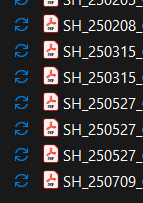
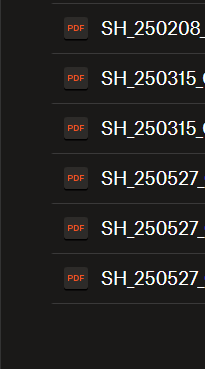
2nd, from my dropbox account, can't see that file. I saved it yesterday to my hard drive:
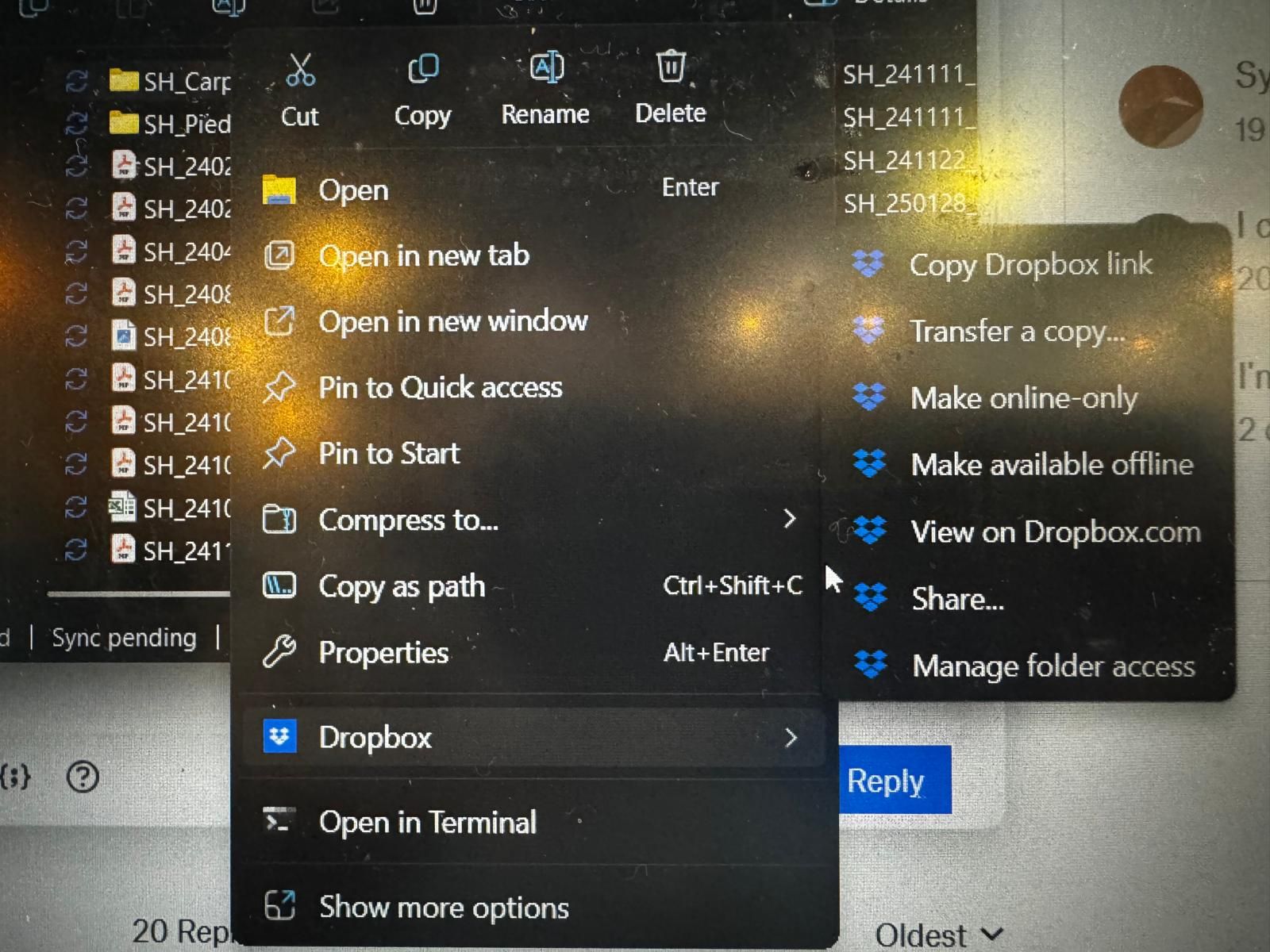
3rd, from my hard drive, right clicked at the folder where the file is, dropbbox options DON´T show the Sync now:
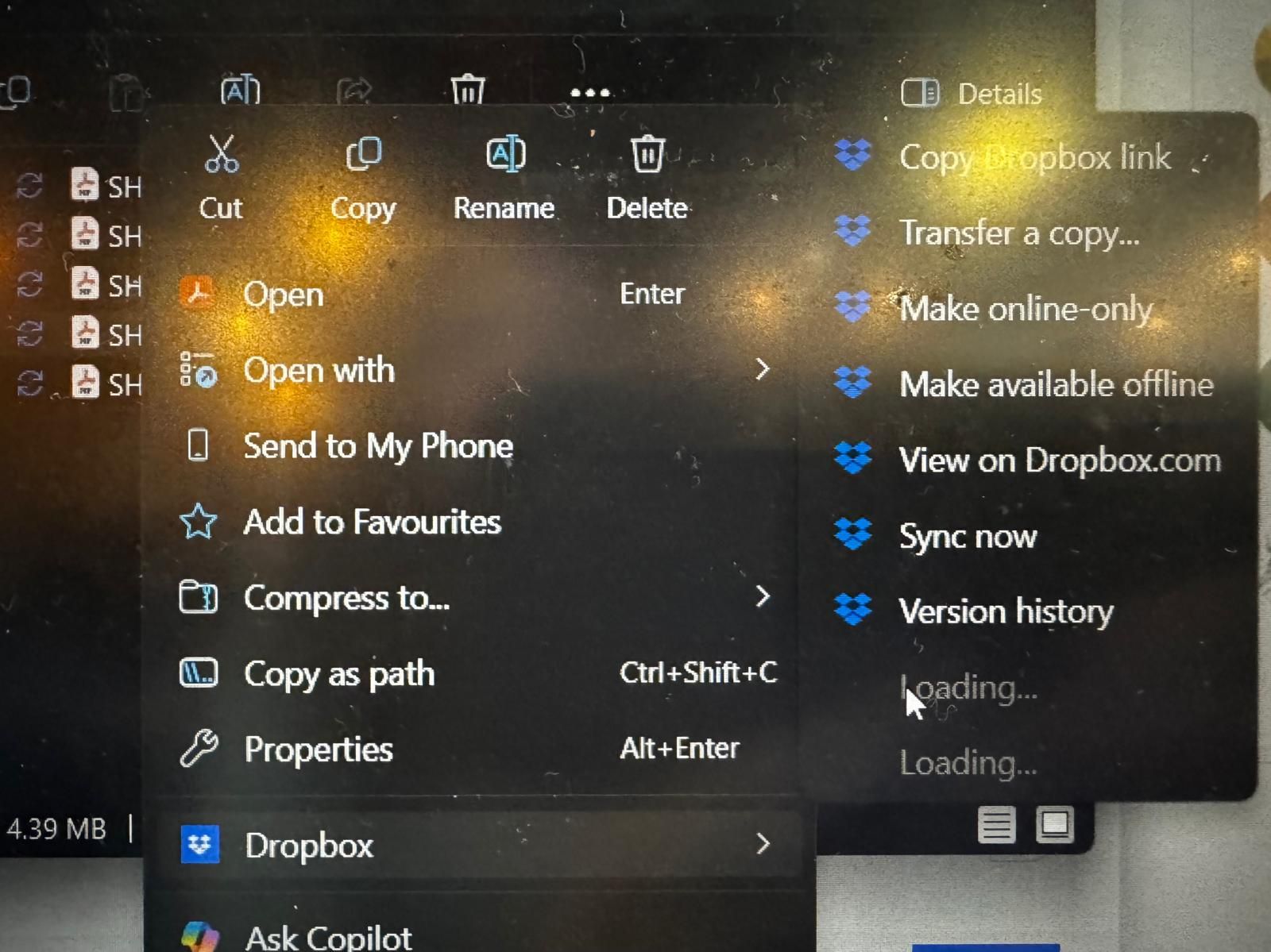
4th, from my hard drive, right clicked at the file above the one I want synced, dropbbox options DO show the Sync now:
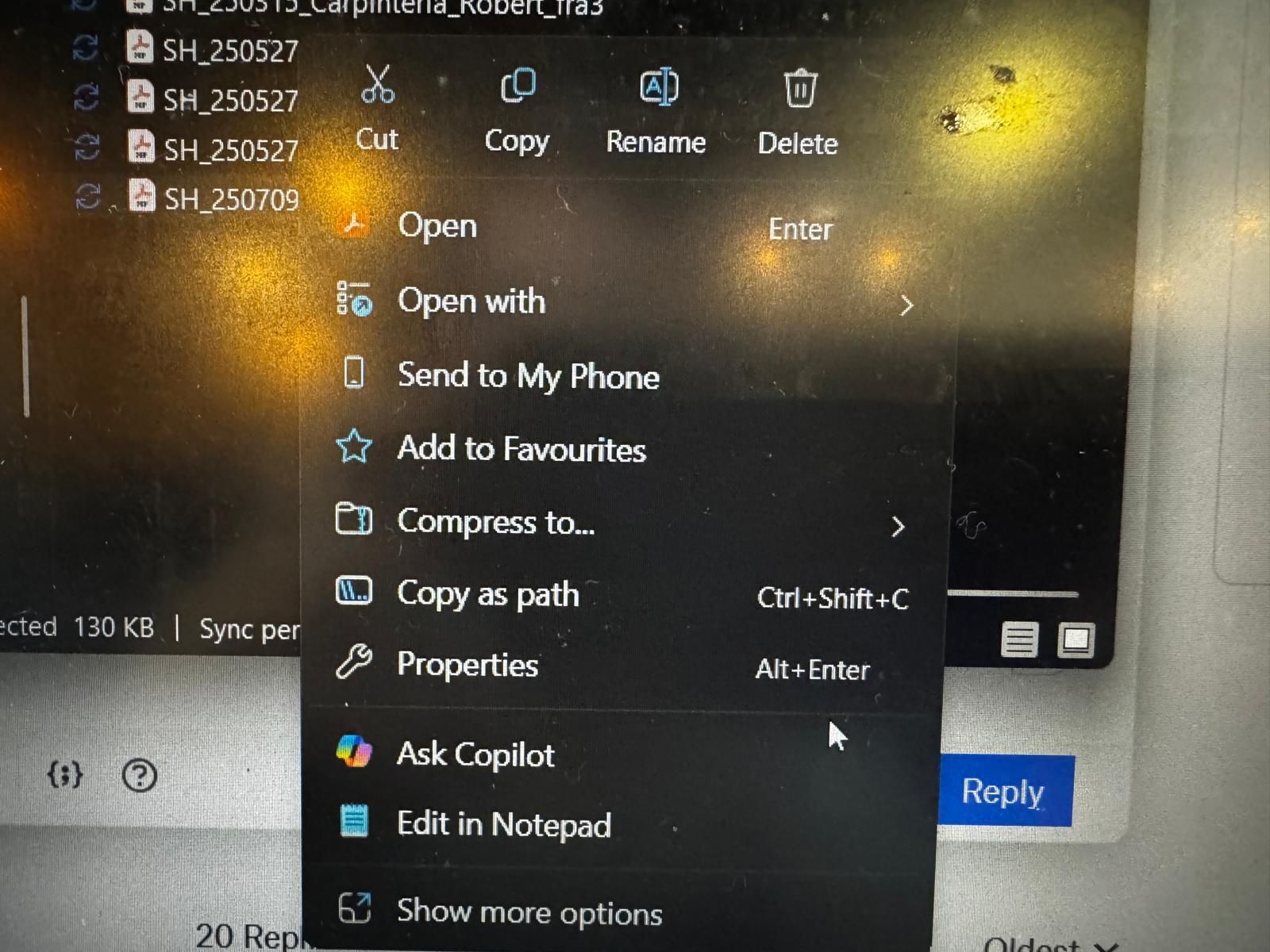
5th, from my hard drive, right clicked at the file that is not sycing, dropbbox options DON'T EVEN APPEAR:
Will appreaciate your help asap! 




