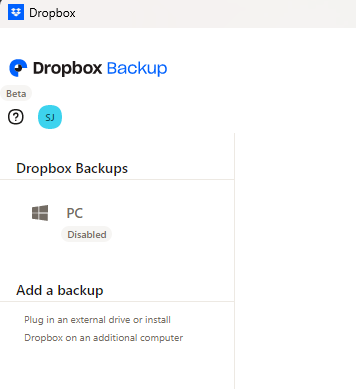
DB is trying to sync stuff in my Windows folder and I now have 15 sync issues. The "app" is about useless as mammaries on a ******. It lists them, then sends you to the folder if you click "view file," but there is no "don't sync this folder" option available.
I can't click the thumbs down icon enough for "was this helpful?"
I have all my user files on one drive, (not "onedrive,") and I don't want to sign anything, share anything, docsend anything, upgrade anything, I just want it to keep that ONE FOLDER synced. That's it.
How can I make this happen.