Hello,
I have seen numerous/old threads on this "Unable to connect to internet" issue when launching the DropBox client but still no luck after multiple attempts.
I use Windows 10 and everything connecting fine to internet.
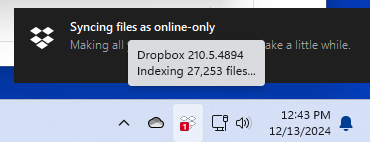
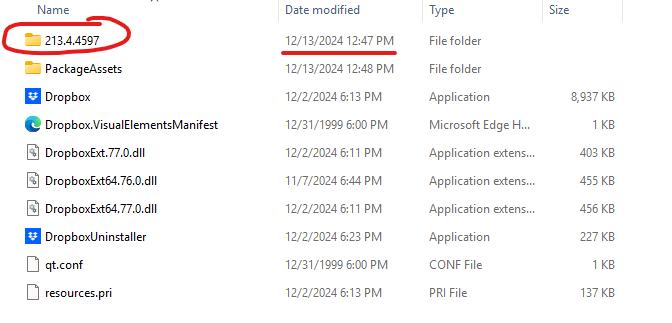
Of course I tried disabling VPN/Firewall and multiple uninstall/reboot/reinstall and nothing helps. I use latest version 211.4.6008 and even tried installing old ones (210.5.4894 and 197.4.7629) and this didn't help either
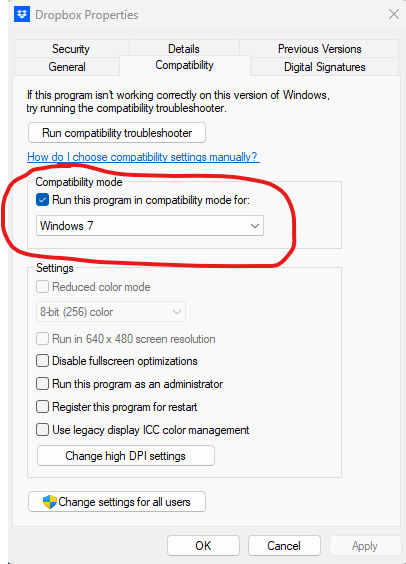
Long time ago, I had this issue and I was told to run DropBox in compatibility mode.
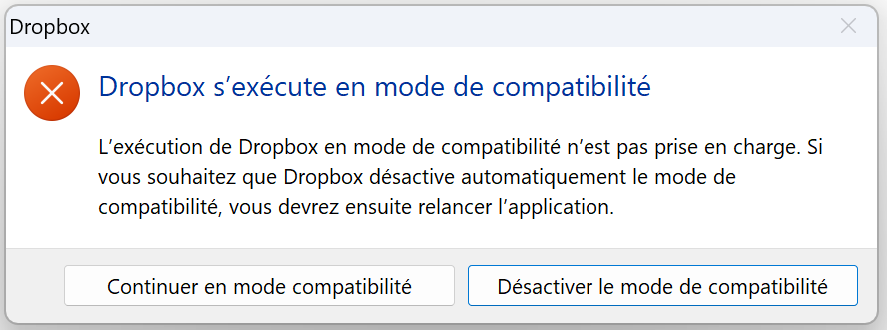
This was fine until recently when DropBox said that I couldn't do that anymore and as soon as compatibility mode is turned off, then I can't connect anymore.
If I turn on compatibility mode, it connects fine, sync all files and then suddenly tells me that I can no longer run in compatibility mode and I have no other solution than to turn off compatibility mode and then it is no longer able to connect (stuck on "Connecting...").
Maybe this has something to do with SSL/TLS, I tried sniffing the traffic, enable disable IP v6/v4, tried on wifi vs. ethernet, and so on. Still nothing.
So how can I use Dropbox on my Windows 10 machine?
Is there any setting/registry entry/troubleshooting tool you can suggest?
Please help. Thanks.
Eric