I have an external drive connected to my Mac (iMac 2020. Big Sur 11.7.9. Dropbox 183.4.7058).
The drive shows up on the desktop and there're no issues with it. Approx 2 weeks ago it stopped syncing via Dropbox.
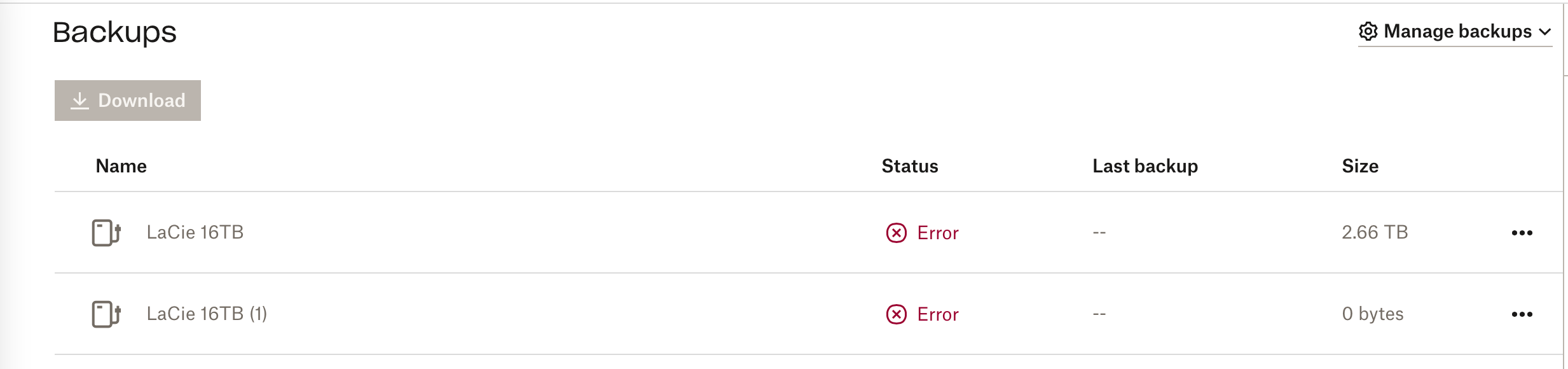
When I go to Backups - status shows "error....can't backup device. Unplug and try again"
I've tried ejecting and reconnecting drive & reinstalling Dropbox. Nothing works in terms of getting Backups to recognise that it's connected.
When I click on "manage backups" the drive doesn't show up there.
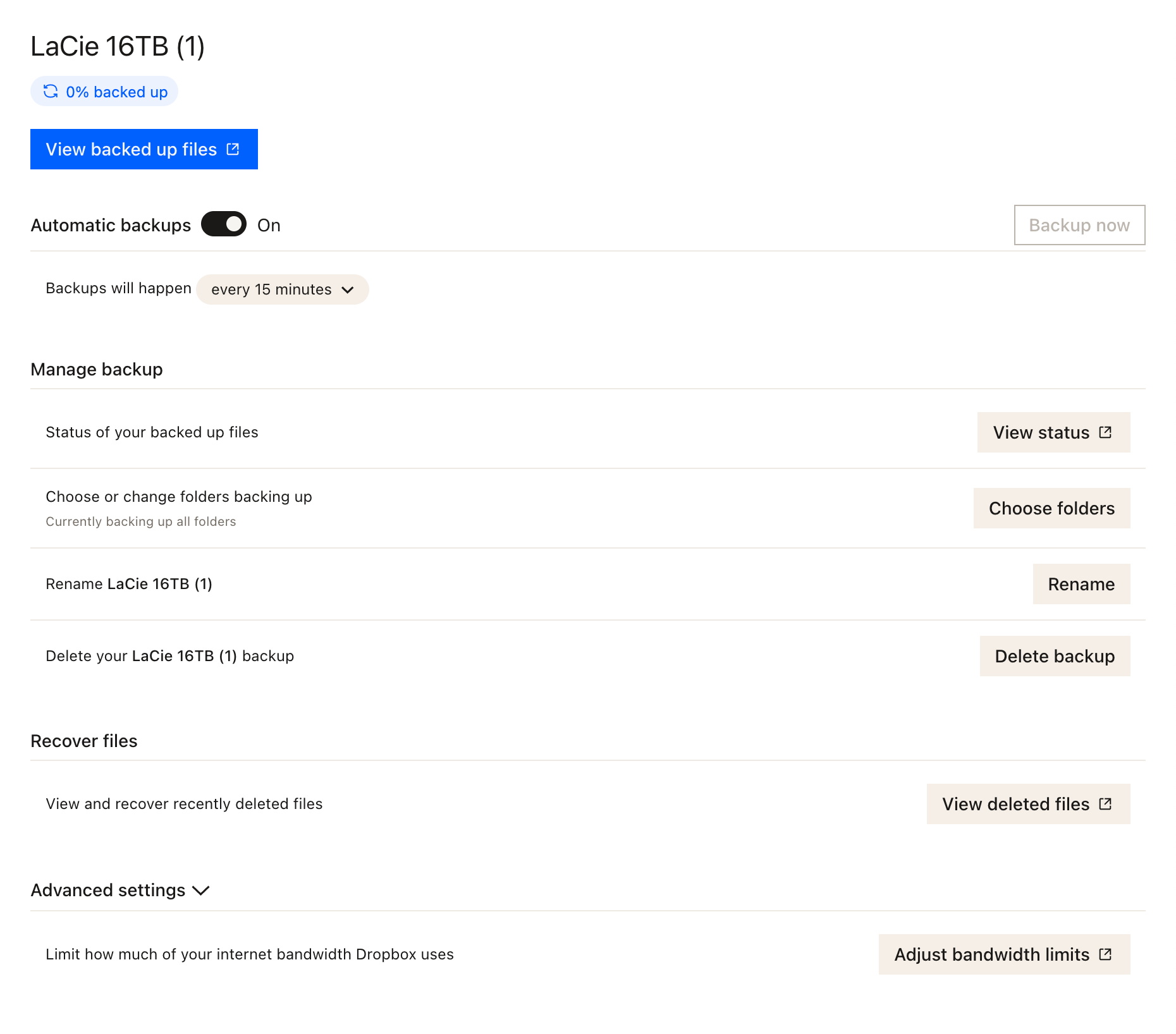
I have now started making a duplicate backup of the drive - this new backup does show up in "manage backups" . When I click on the desktop Dropbox icon it shows up there under "sync and backups". However - in Backups, it also show "error - can't backup this drive" under status.
Is it possible to reconnect this original backup so I don't have to sync 2.5TB again?
See screenshots - original backup is "Lacie 16TB", duplicate backup is "Lacie 16TB (1)"