Hi there!
So today, just out of nowhere, I noticed all my Dropbox files have gone online-only. So I click on the clouds with the arrow down to download them to my MacBook. However, I noticed that as it's downloading, it's taking up space as well!!!
I had 110GB of space with all the Dropbox files on my local computer. Now that everything shows online only and I'm downloading to my local computer, I'm losing space for things that were on my local computer. It's like every file is taking space twice.
This is an issue I had before, and with the Dropbox major update recently for macboks, that problem got resolved, and I ended up suddenly with 50GB extra space.
I'm using Macbook Pro M2 (2022).
MacOS Ventura Version 13.2.1 (22D68)
About Dropbox: V179.4.4985
I never use the online-only feature. I tried once last year, it moved my files online only but didn't make any space. And when I downloaded back to my computer, it started taking more space. GOD save me from this ....
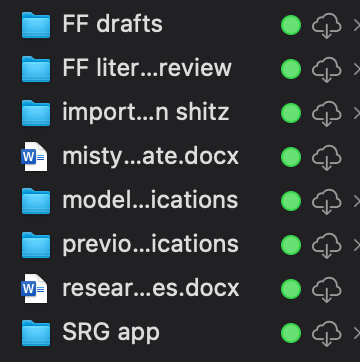
This was on 'online only' and I returned it back to available offline. Yes, I'm 100% I didn't change that setting earlier today. I went online only automatically.
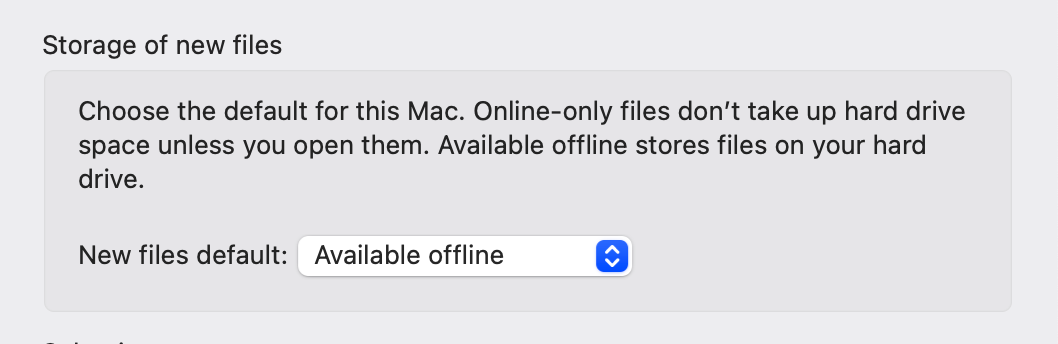
I removed the Dropbox and reinstalled it, that didn't change anything.
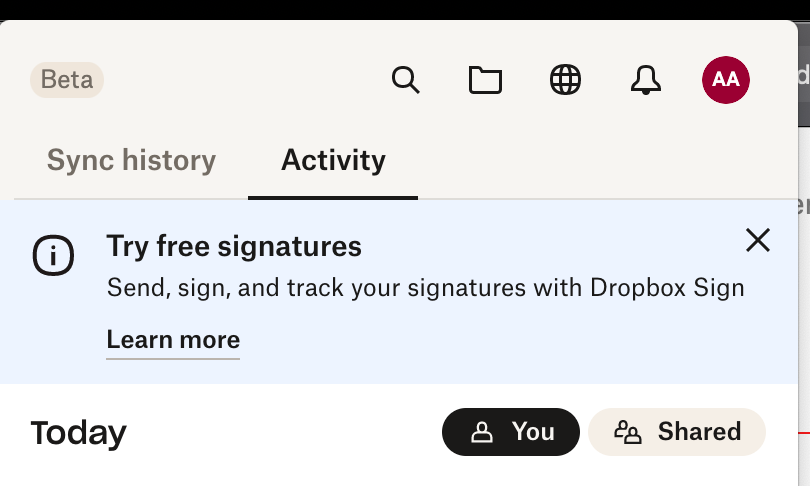
Early release feature is also off.






