The update to V175.4.5569 has broken Dropbox for me (MaxOS Ventura).
My workflow is to put dozens of GB of raw images onto dropbox, and then edit and organize them on one of two different computers. For years, this was a flawless system.
But now, it is impossible to force Dropbox to actually download all of the images to the other computer. In the past, it might take an hour or two, but it would download all of the images. Now it just… doesn’t do it. I left the laptop open overnight and awoke to an assortment of non-downloaded fake files with cloud/cloud downloaded symbols, but very few real, actually downloaded files.
Eventually, it can download all the files, but not without a lot of babysitting — far more than in every previous version of Dropbox.
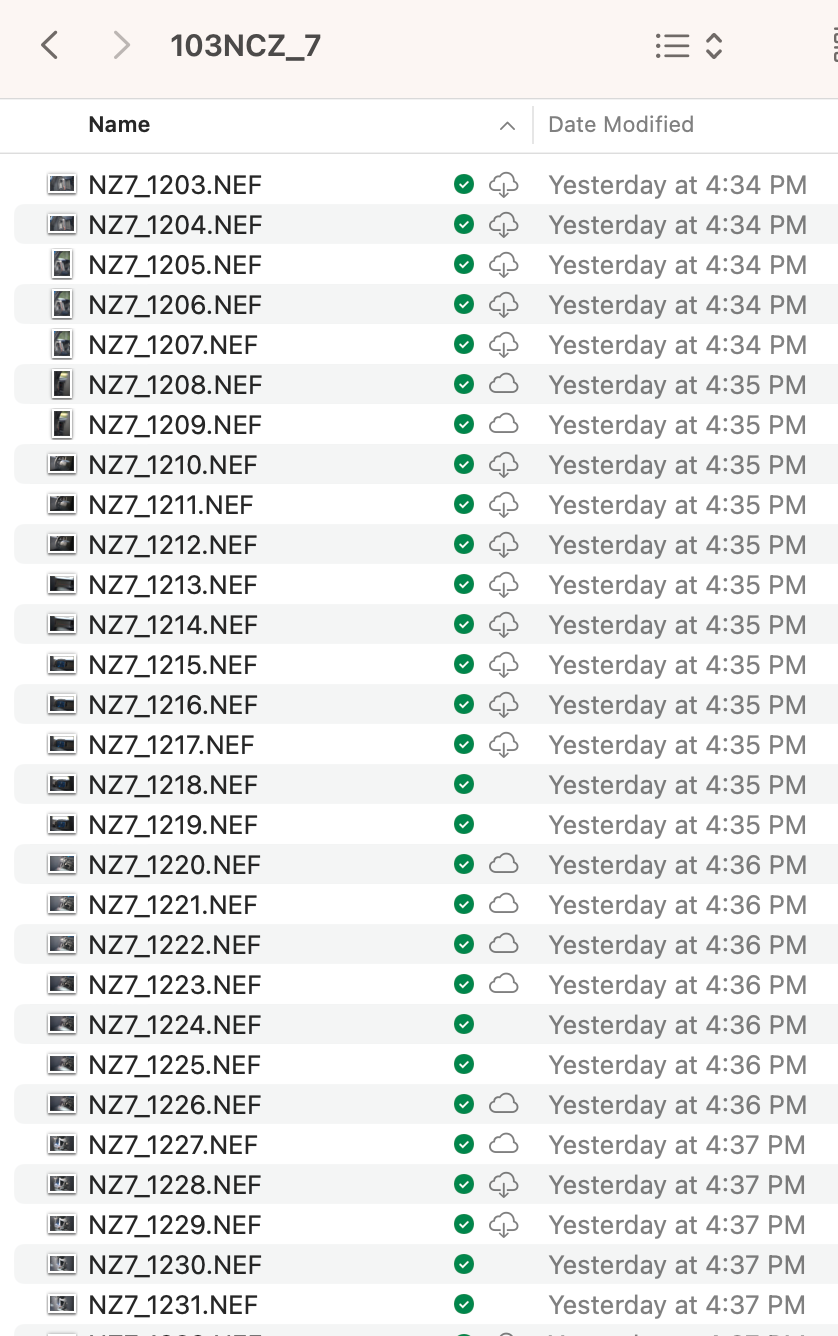
I have every folder set to “Make Available Offline,” and this hasn’t helped.
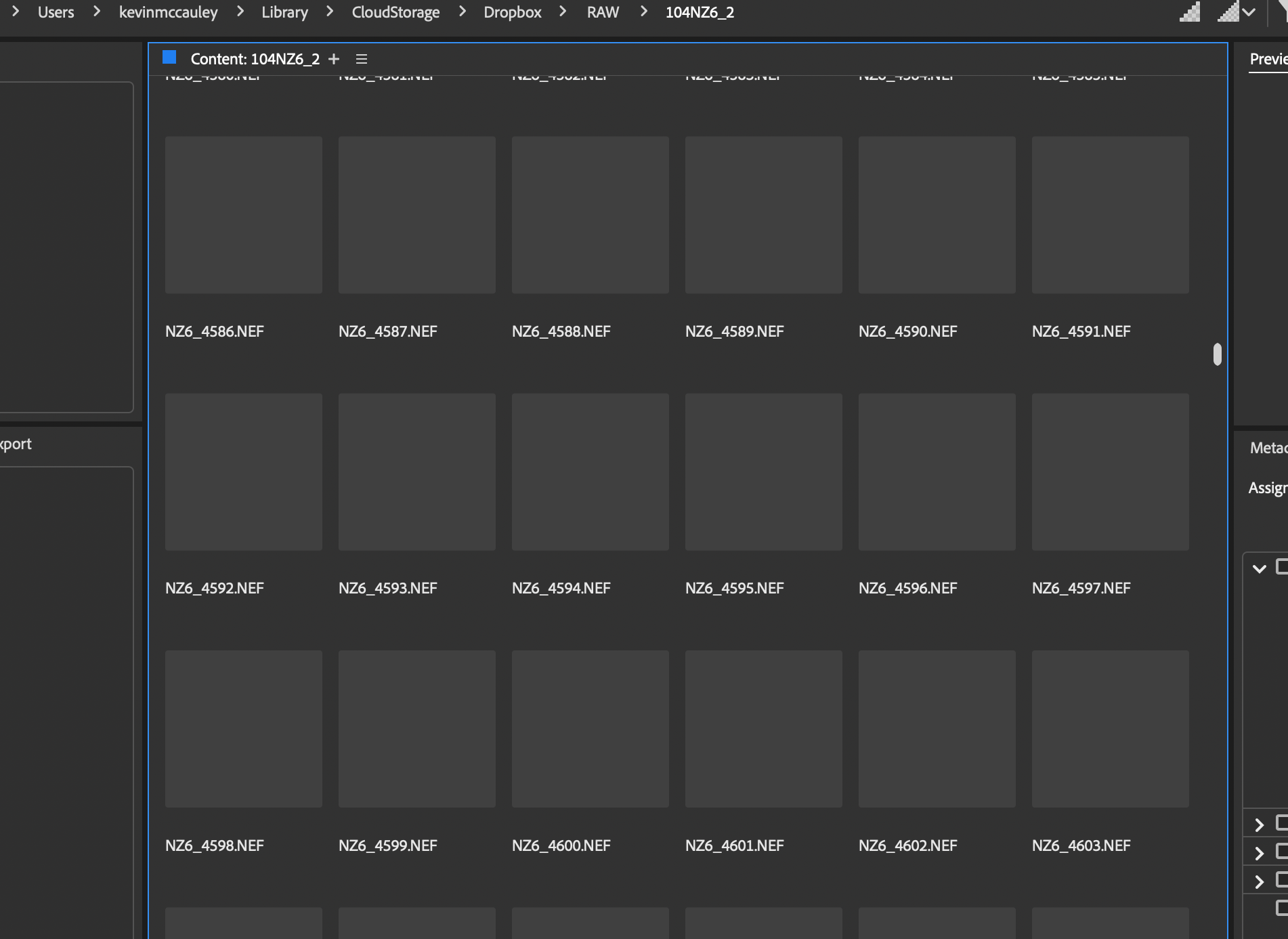
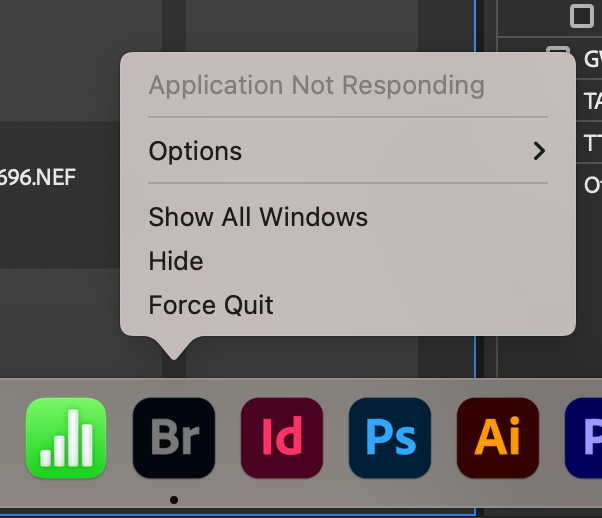
Do you know how useless a bunch of 45 MB raw files are that haven’t actually downloaded from the cloud? Pretty useless if I'm trying to edit or do anything with them. It actually crashes Adobe Bridge now if I open a folder that has any of these fake non-downloaded cloud files. (In the past, Bridge would work fine, and the files would pop-in as they were downloaded.
Another issue is that the syncing status in the menu bar dropdown usually just says “Syncing…” with no status or progress given.

Dropbox is fundamentally broken for me now.




