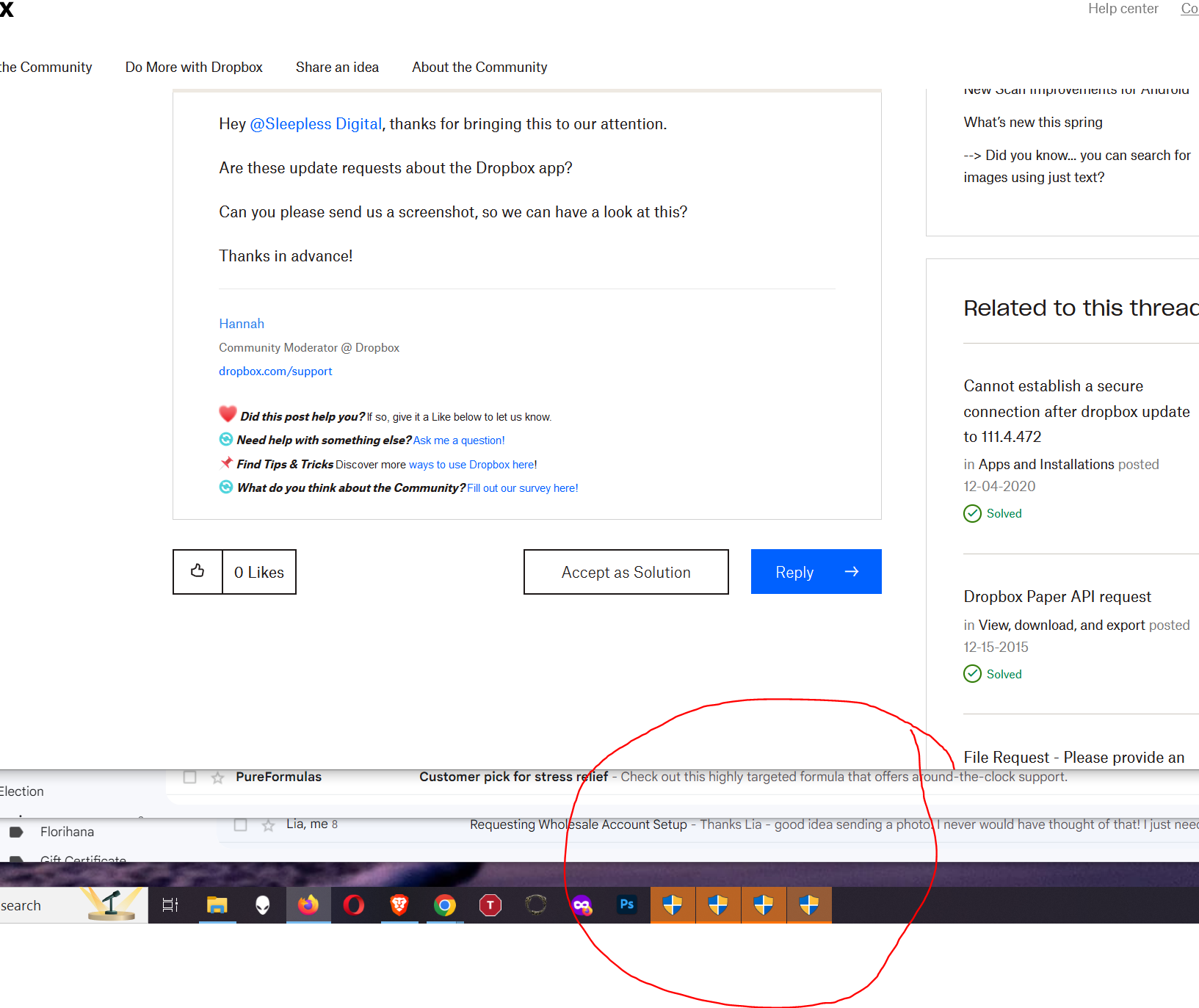
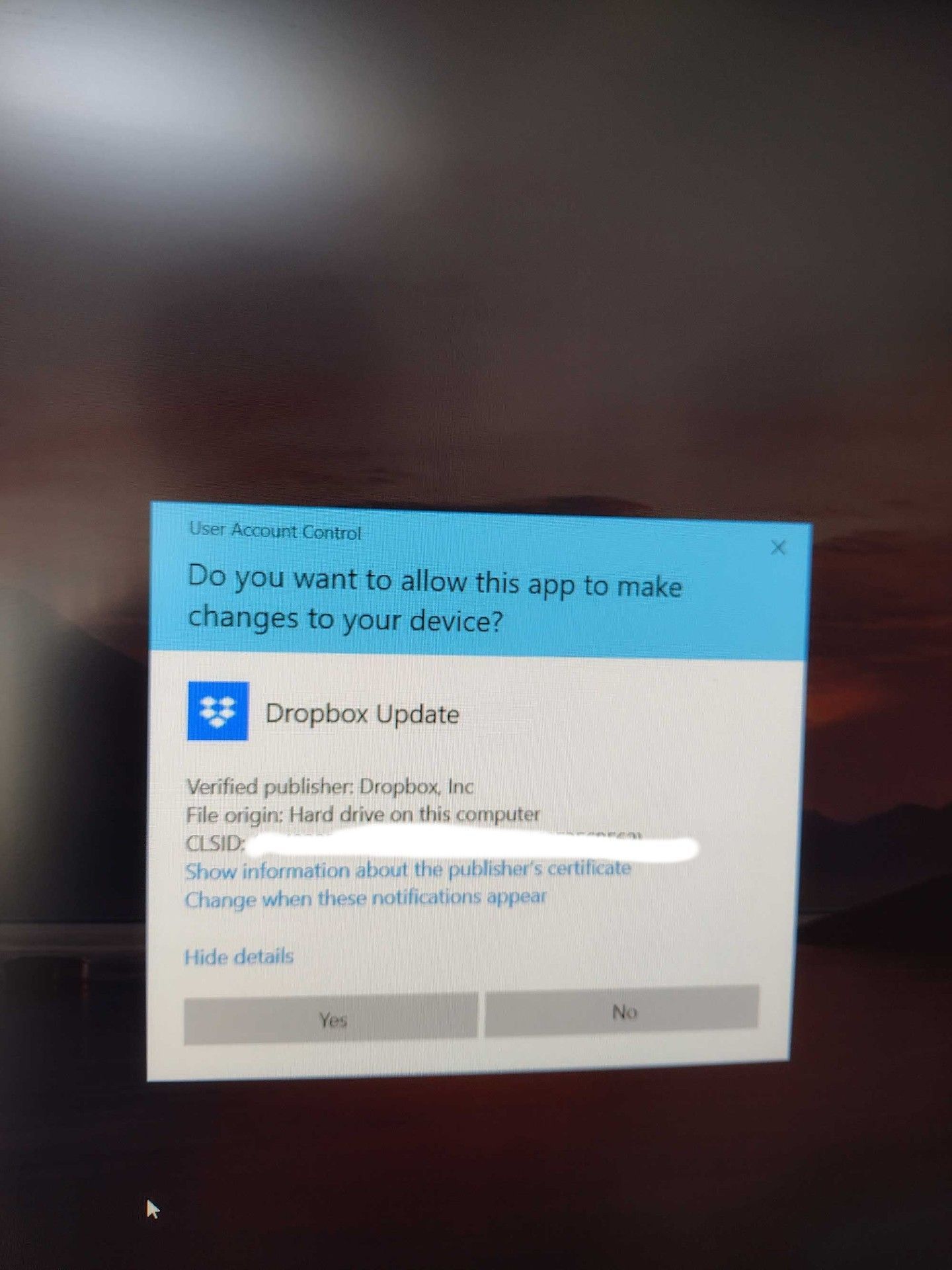
Getting a "permission to update" request from Windows (10 Pro) about every 30 minutes. Regardless of me clicking yes, or cancel, the request pops up all the time. Any ideas?
Hi Adrian-
I ended up having to uninstall/reinstall DB. I timed it for some downtime because the re-syncing took about 8 hours, but it did fix the issue. I hope it works for you. - Cheers-
Hey @Sleepless Digital, thanks for bringing this to our attention.
Are these update requests about the Dropbox app?
Can you please send us a screenshot, so we can have a look at this?
Thanks in advance!
Here are a couple - one showing the constant attempts and the other showing the details of the request.
Hi @Sleepless Digital, thanks for the screenshots!
In general, the Dropbox desktop application requires admin privileges to be installed on a machine, and this would also include any new updates for the app itself for it to function properly.
Is it possible that you're using the app without admin rights in this case? Also, what is the version of the app that you currently have installed?
You can find this by locating your Dropbox icon, on your task bar, next to your WiFi and hovering your mouse over it.
Hi Megan-
Version 172.4.7555
I have admin privileges and this is a recent development. I have had DB installed for years - this is new. I don't know if it is related to a recent Win update or DB update, but my guess is it has something to do with permissions settings changing with one of them. I wouldn't care so much but when I start getting a tray load of icons from attempted updates, and the resource drain, it gets disruptive.
If you can figure this out it would be amazing. I did see other ,mentions of this issue in search results - not on this forum but within other tech solving ones. Nothing besides a full uninstall/reinstall seems to fix it but if that can be avoided it would be best.
Hey @Sleepless Digital! Hope it’s OK to jump in.
It may sound trivial, but have you also restarted your device in the meantime and these notifications continue to pop up on your screen?
Yes, I really wish that would fix it! I shut down daily, but it still keeps happening. I had some issues with Win updates not processing too but was able to correct that. That also took a lot of restarts, and every time I hoped DB would also magically fix however...
It might be a setting in the Registry but I need to know the specific keys to edit.
Hi again, @Sleepless Digital!
Can you please download and run the Dropbox installer, to see if that does the trick?
If not, please uninstall the Dropbox app, restart your computer and then reinstall it and let us know how it goes.
Hannah-
You are obviously not reading the thread. Yes, of course I could do a complete uninstall/reinstall and then spend 2 days syncing the 2 TB of data I have on the account. I have nothing else to do and I am sure all of my clients would understand that I can't access their files until that is done.
This is not the solution I come to a community for. I am looking for something to avoid that loss of time and productivity. If you can't provide better than that, I understand, but please at least take the time to read the issue and the desire to avoid the obvious before adding a generic comment/solution.
Thank you.
Hey @Sleepless Digital, uninstalling and reinstalling the Dropbox app will not cause it to resync your files.
It will probably reindex to check for changes, yes, but this is a process that does not take nearly as much time as syncing does.
I too am having this same issue. It started in May. Constant app update requests. I too am the admin. for my organization and have never had this issue in the past. I've uninstalled and reinstalled to no avail. I'm getting so many update requests that its bogging down my computer. You guys need to fix this immediately or we're moving to another provider.
Hey @Adrian O - thanks for bringing this to our attention.
Can you please clarify your device's exact OS version and the version of the Dropbox desktop app you've installed there?
A screenshot of the requests you get would also help, so feel free to include one in your next reply.