Windows 10 Home Edition 64-bit, ver 22H2
Dropbox ver 173.4.6706
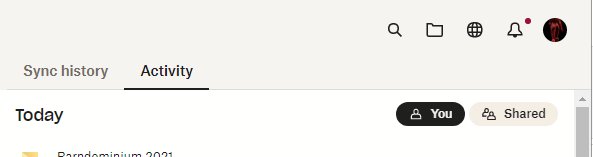
When I open up my Dropbox folder from DB desktop app (using folder icon in Dropbox panel displayed):
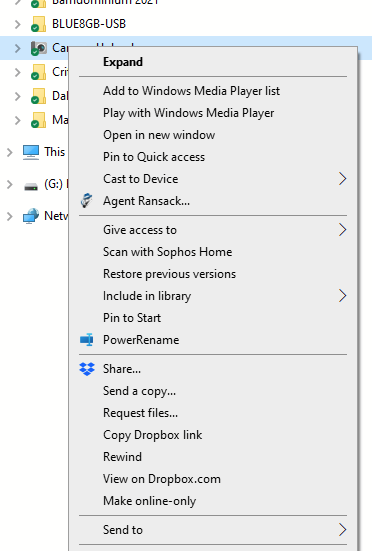
And then right-click on an item on left side of Explorer (the folder list), a complete Dropbox context menu is displayed:
But if I move cursor over to file pane and do same thing, there is no set of Dropbox related menu items:
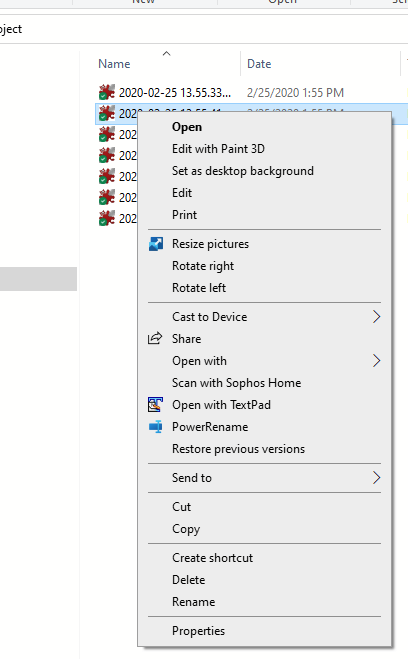
So, for instance, I can't "Copy Dropbox Link" for an individual file...frustrating! Any thoughts?






