Hello!
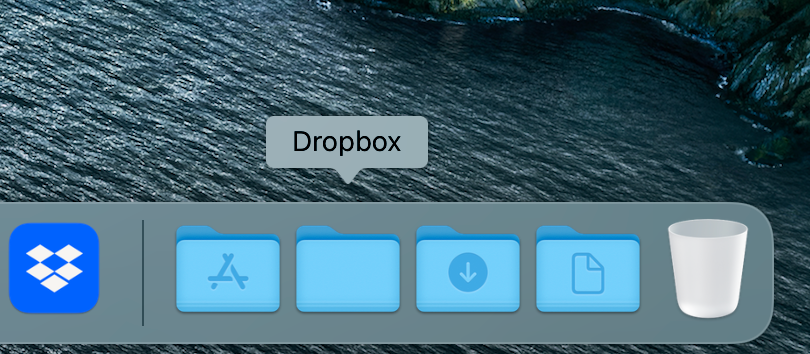
I just updated Dropbox to v163.4.5456, which moves the Dropbox folder from my custom location to ~/Library/CloudStorage. It also changes the icon for the folder which now is the same as the app's. With this change I lost the special and very helpful "Dropbox folder" icon in the MacOS dock.
I deleted the old access and dragged back there the new folder, and it still shows like a regular folder?
Is there a way to show a custom icon for the folder in the dock? If it was the olden, with the Dropbox logo on a MacOS folder it would be perfect!
Thanks!