Downloaded the App on my work computer. It downloaded all the folders & files from my Dropbox Acct (91g) to my local hard drive. Only wanted 2 folders to download and Sync between that work computer and Dropbox Acct. So, I then went to Selective Sync settings and checked ONLY the 2 folders I wanted to sync between that hard drive and Dropbox Acct. Now I don't want the other folders/files on that computer so I'm thinking I need to delete ALL the other folders that got downloaded locally.
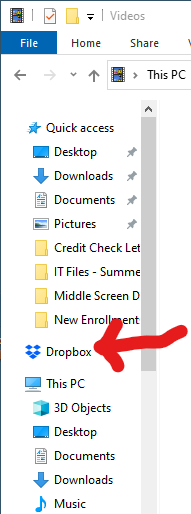
1) In Photo 1 below, is the folder shown with the red arrow where all the local files are located on my local hard drive?
2) Given my corrected Selective Sync settings noted above, if I now delete all other folders I need to be sure it won't delete them from my main Dropbox cloud account.
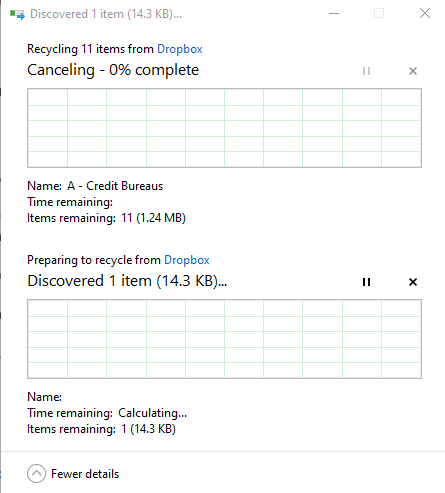
3) I tried deleting a few of the folders from it. As seen in photo 2 below, it said, "Recycling 11 Items from Dropbox". Recycling is a confusing term in this situation so I stopped the delete process worried I'd loose all access to those files. What does "Recycling" mean in this circumstance?