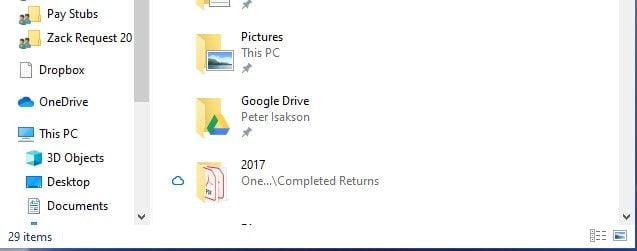
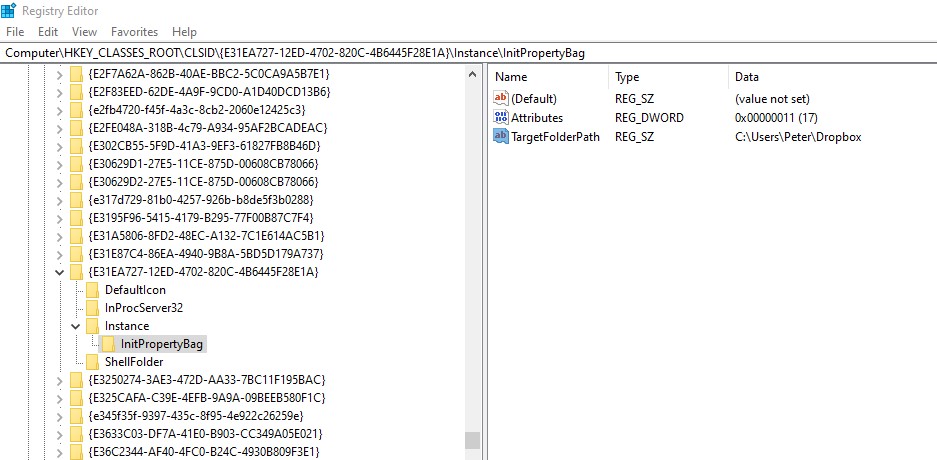
Since Dropbox recently limited free accounts to three devices I had to delete it from my desktop PC and a laptop. The deletion from the laptop went OK. The deletion from the desktop (Windows 10) occurred, but left a sort of transparent document icon in File Explorer. See screen snap. I can't delete this, even after a reboot. If I right click on the icon there is no delete option, nor can I use the delete key if I click on it - nothing happens. Any ideas on how to force a deletion? It seems to be a shortcut type link that points to the now deleted dropbox folder on the C drive.
Thanks.