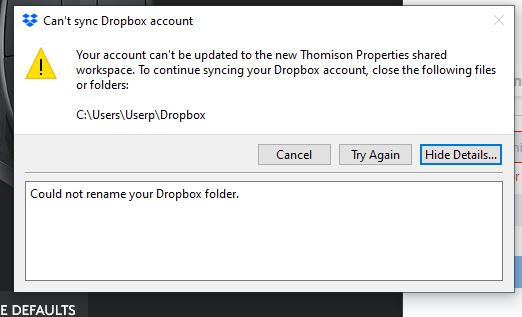
Setup a new user in Mac High Sierra. All works fine except Dropbox. I open it but no window appears. I try to delete it so I can set it up again but it won't move to the Trash because it says it's open. I have made sure it is not in Log0n Items and it doesn't appear in force quit.
I've tried going back to a previous user to delete it but same problem. I've made sure both users have all permissions. What else can I try to delete it and reinstall?
Someone else posted that the answer is in HKEY_USERS{SID}\Software\Dropbox, but I have no idea how to get to that and web search revealed nothing.