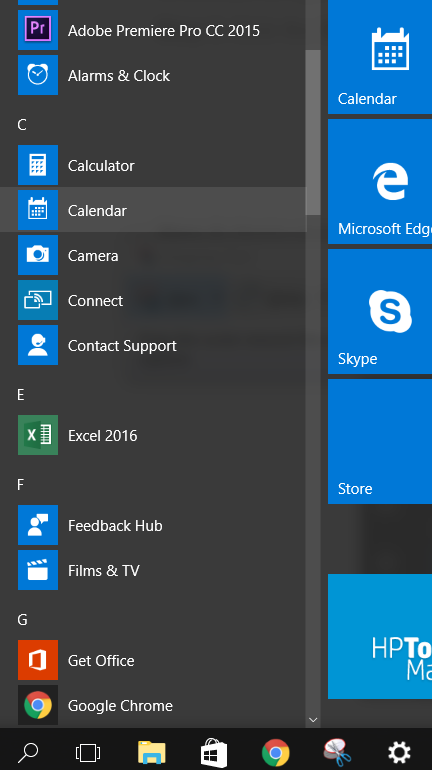
I've been trying to uninstall Dropbox from my laptop, it's a HP with Windows 10 Pro. I've unlinked it from the Dropbox website but it's still taking up space in my laptop. I've also uninstalled the app from my laptop but it still shows up in my file explorer. I did a bit of research and other people have been able to right click the Dropbox icon and uninstall it that way but it doesn't show up in my start menu so I'm not able to do it that way. I've restarted my computer too, just to be sure but that hasn't helped.
Anyone got any ideas? My laptop storage is nearly full 😞
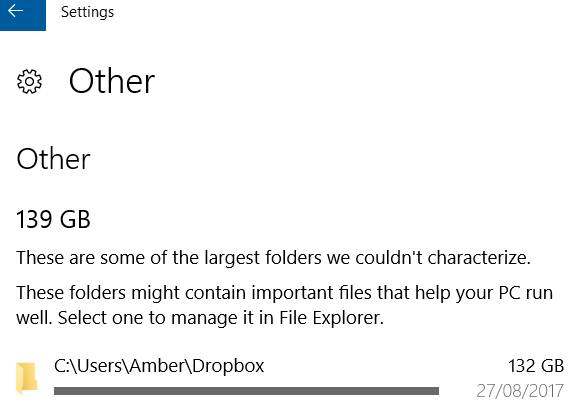
This is where it's showing up when I look at my storage. There is no way to uninstall it, only open it:
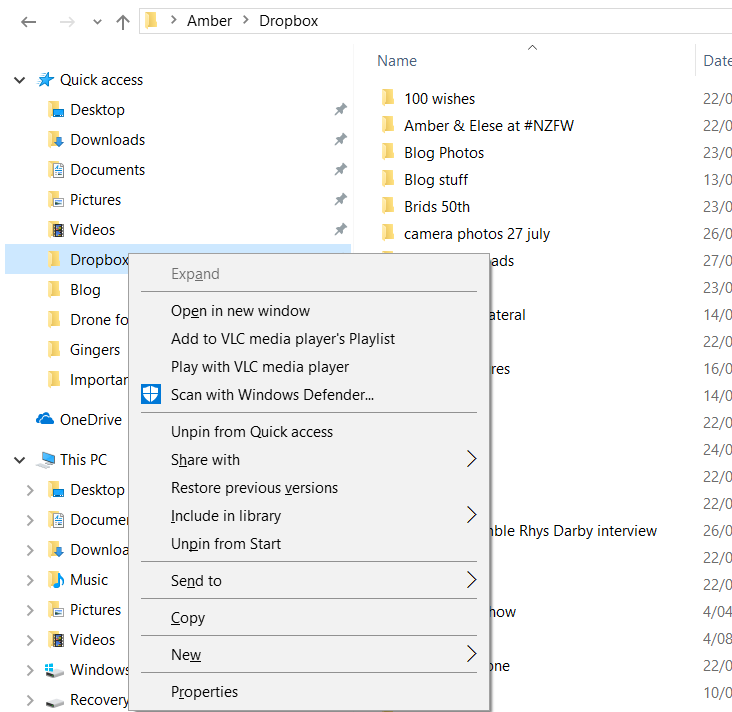
This is what happens when I right click on it in explorer:
When I open the Start menu I can't see it there: