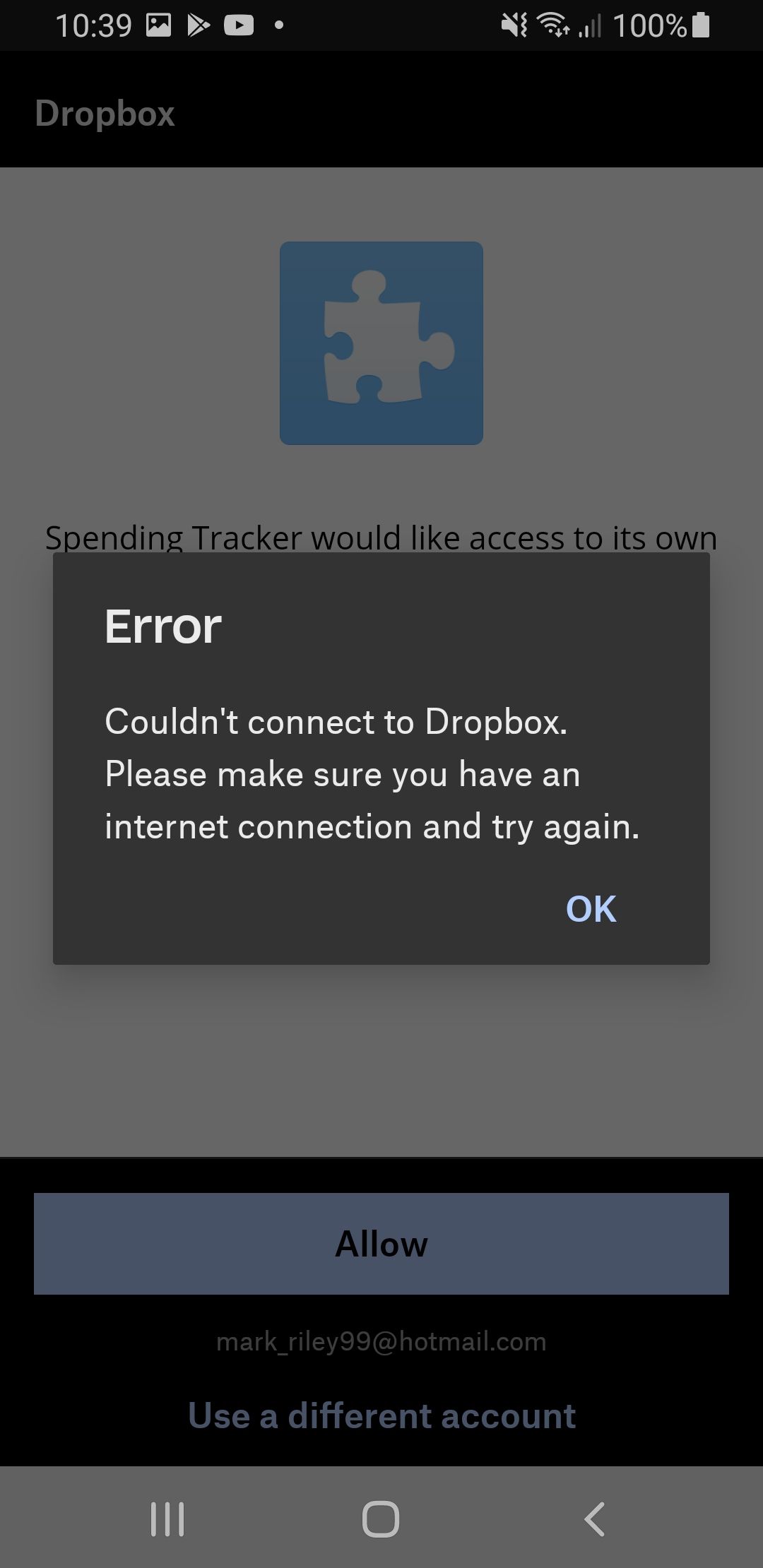
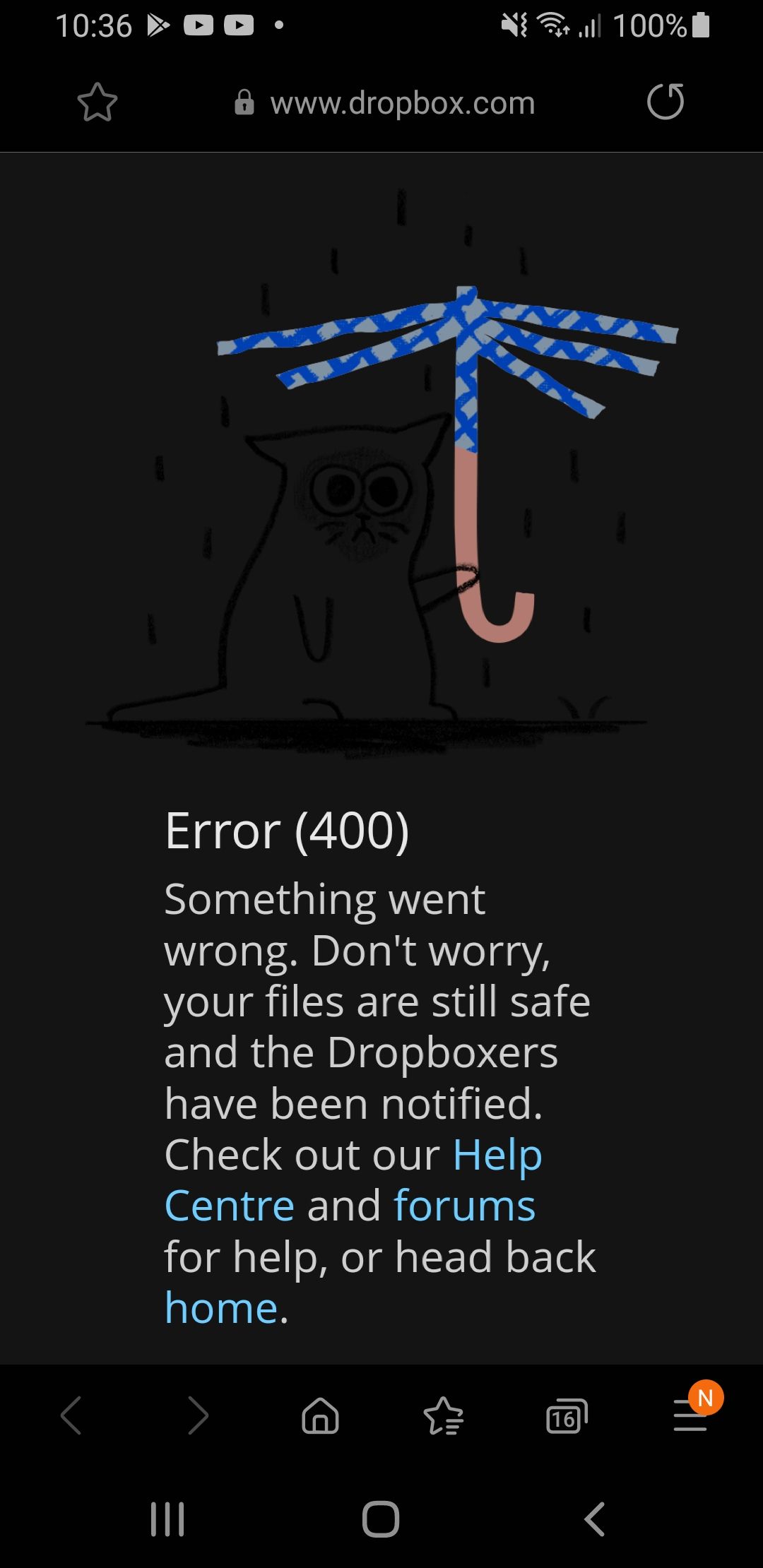
Hi. I am in the process of migrating from long lived tokens, to refresh tokens for offline access. I haven't made any changes in the App Console yet, I'm just trying to get a proof of concept, by linking using scoped PKCE offline access.
I noticed the Android samples had been updated for PKCE and offline access (this is the default behaviour in the sample). So I updated the sample to add my App Key to the manifest and the strings.xml as instructed. However the linking process is failing both when using the Dropbox app and Chrome. This is on Android 10, but same observed on Android 7. I have added the URL that was generated for the browser access below, and screenshots of the errors received. Note that the Dropbox app error was received after pressing 'Allow' (obviously I did have an internet connection at the time), the website came up with the 400 error before showing anything:
https://www.dropbox.com/1/connect
    ?locale=en_GB
    &k={APP_KEY_WAS_ENTERED_CORRECTLY}
    &n=0
    &api=1
    &state=oauth2code%3AAOnfqepB6EDsFiSePtv7F_KdlLNfuj-9d5OHrc4oWPw%3AS256%3Aoffline%3Aaccount_info.read+files.content.write
    &extra_query_params=code_challenge%3DAOnfqepB6EDsFiSePtv7F_KdlLNfuj-9d5OHrc4oWPw%26code_challenge_method%3DS256%26token_access_type%3Doffline%26response_type%3Dcode%26scope%3Daccount_info.read+files.content.write